
How Grow with Jen Consulting Streamlined Projects for a High-Volume Construction Company with On2Air Forms and Airtable
Learn how this consulting agency uses Airtable and On2Air Forms to streamline projects for a high-volume Construction company with easy-to-use forms to update and create Airtable data.
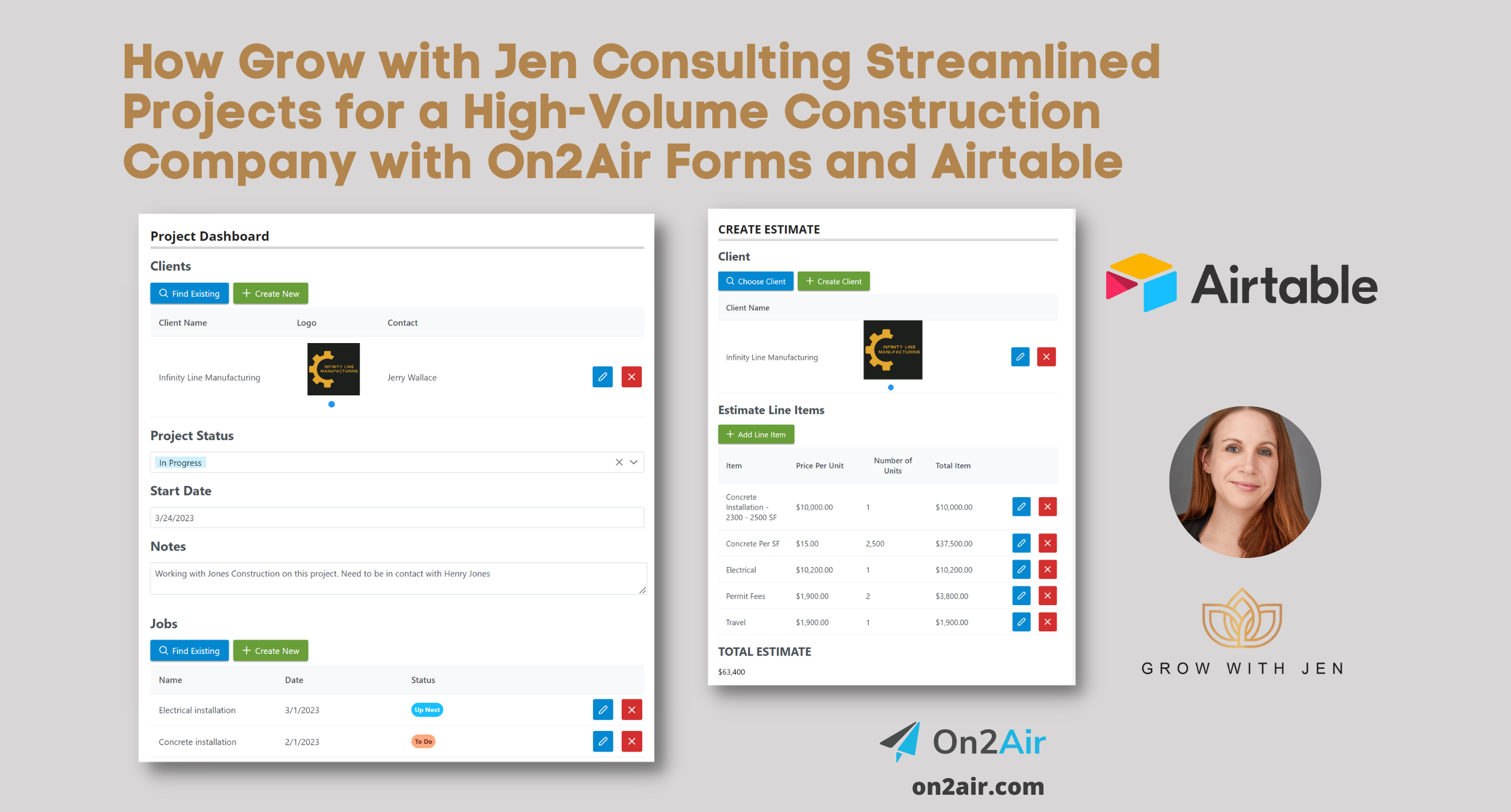
Learn how this consulting agency uses Airtable and On2Air Forms to streamline projects for a high-volume Construction company with easy-to-use forms to update and create Airtable data.
In this article
- About Grow with Jen Consulting
- Industries
- Product
- High-Volume Construction Business with No Centralized Data
- Solution: Custom Dashboards with On2Air Forms
- Streamlined Project Creation and Management
- Results
About Grow with Jen Consulting
Grow with Jen Consulting, led by Jen Rudd, PMP, is a business management consulting agency that helps businesses streamline their processes and operations with Airtable and other no-code tools. Jen is an Airtable Consultant and Airtable Expert who helps businesses build custom workflows and systems to scale their business.


Industries
- Construction
Product
On2Air Forms and Airtable
High-Volume Construction Business with No Centralized Data
Problem
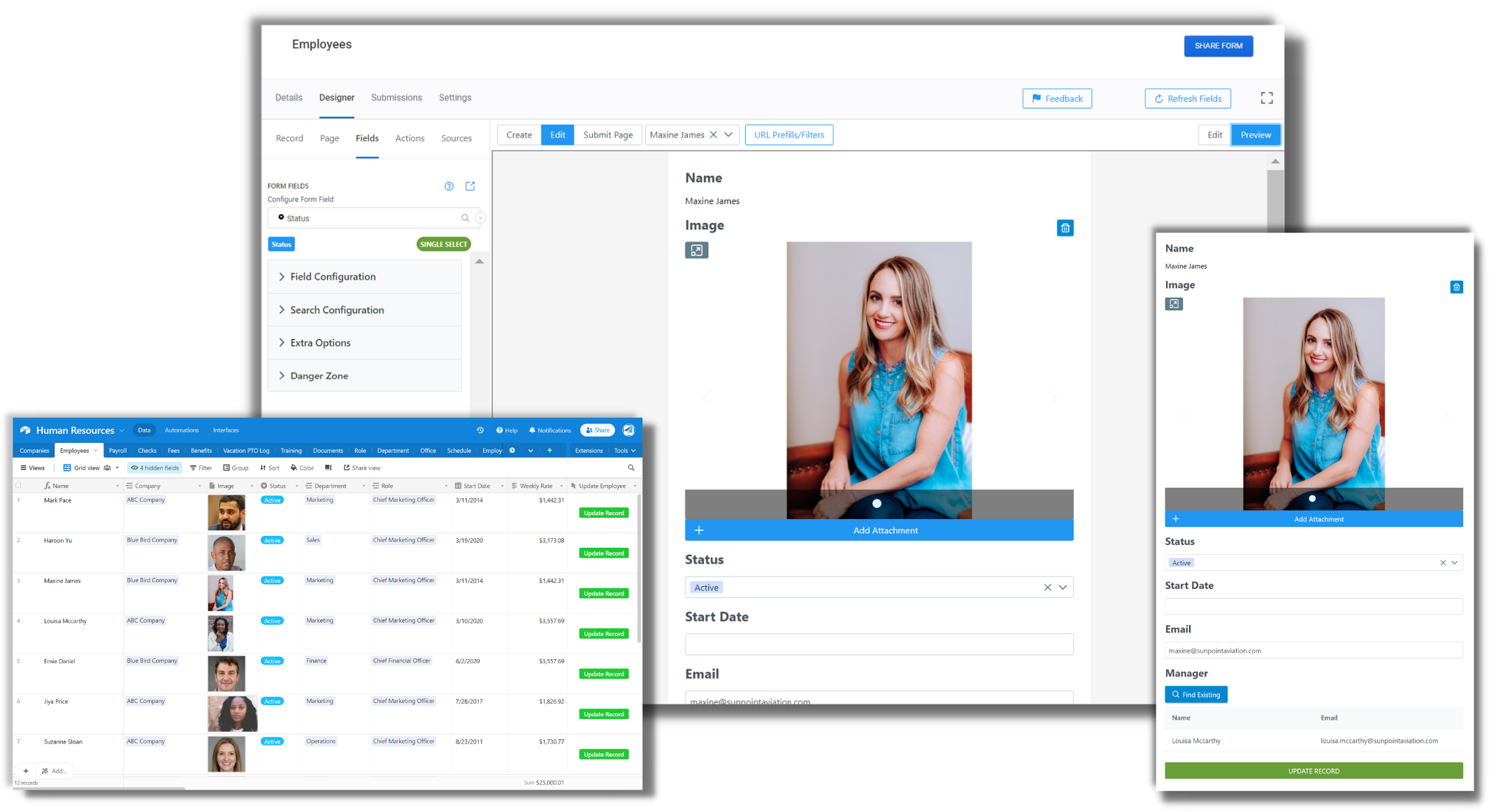
A large construction and fabrication company with a high volume of projects was struggling with managing their data. They had multiple people who needed access to project data, but they didn’t want everyone to have full access to their Airtable base. They also needed a way for their team to easily enter data while on the job site.
Their current process involved multiple spreadsheets and manual data entry, which was time-consuming and prone to errors. They needed a centralized system to manage their projects, estimates, materials, and inventory.
Specific Challenges
- High-volume construction and fabrication business with multiple projects
- Multiple people needed access to the data without being in the Airtable base
- Difficult to use Airtable when in the field at the job site
- No centralized place to view project status and updates
Solution: Custom Dashboards with On2Air Forms
Jen Rudd implemented On2Air Forms to create custom dashboards for the construction company. On2Air Forms allows you to build custom forms and dashboards using your Airtable data.
With On2Air Forms, Jen was able to create specific dashboards for different roles within the company. This allowed team members to see only the data relevant to them and to easily update project information.
“On2Air Forms has been a game-changer for this client. We were able to build a complete operating system for them on top of Airtable.”
- Jen Rudd, Grow with Jen Consulting
Streamlined Project Creation and Management
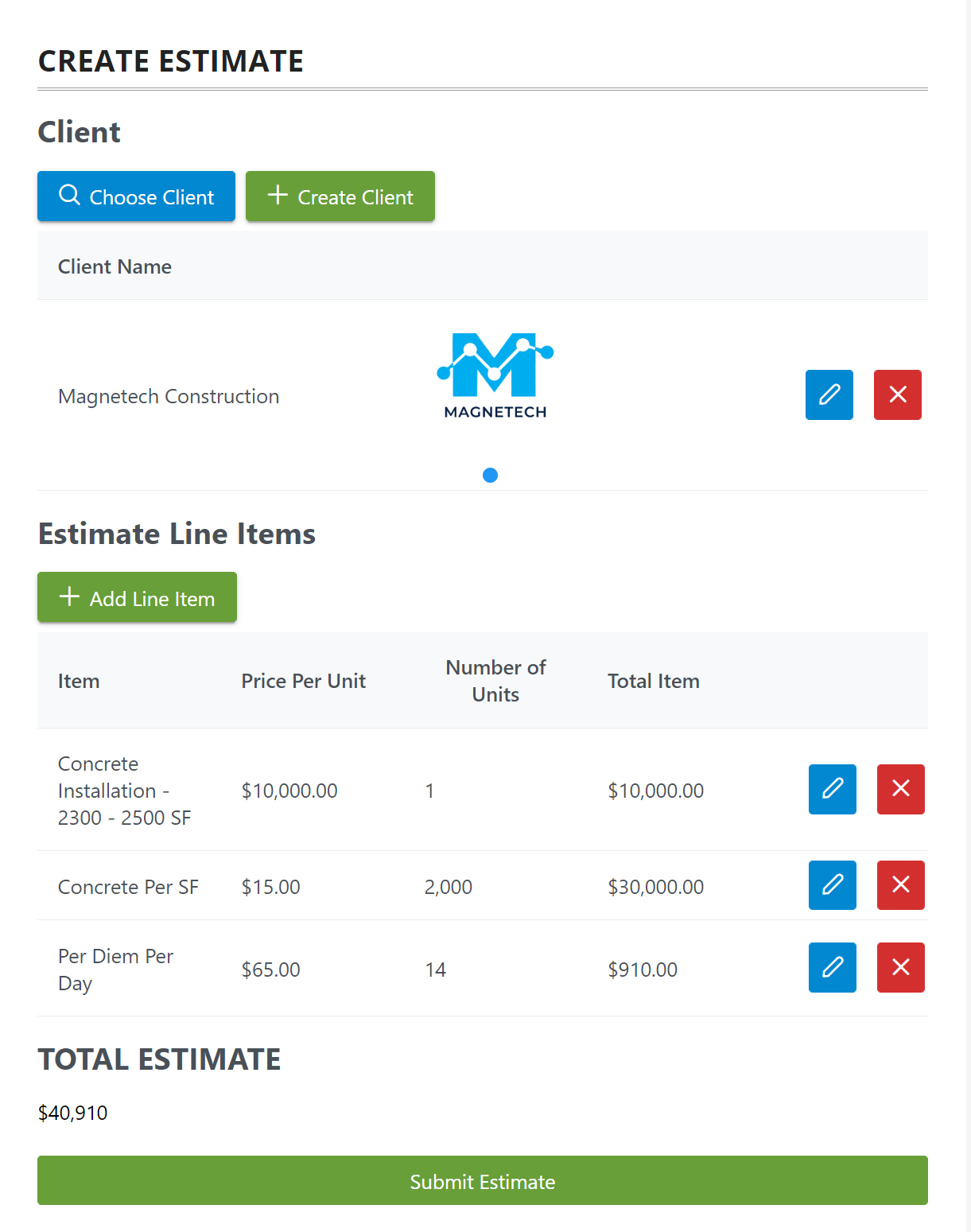
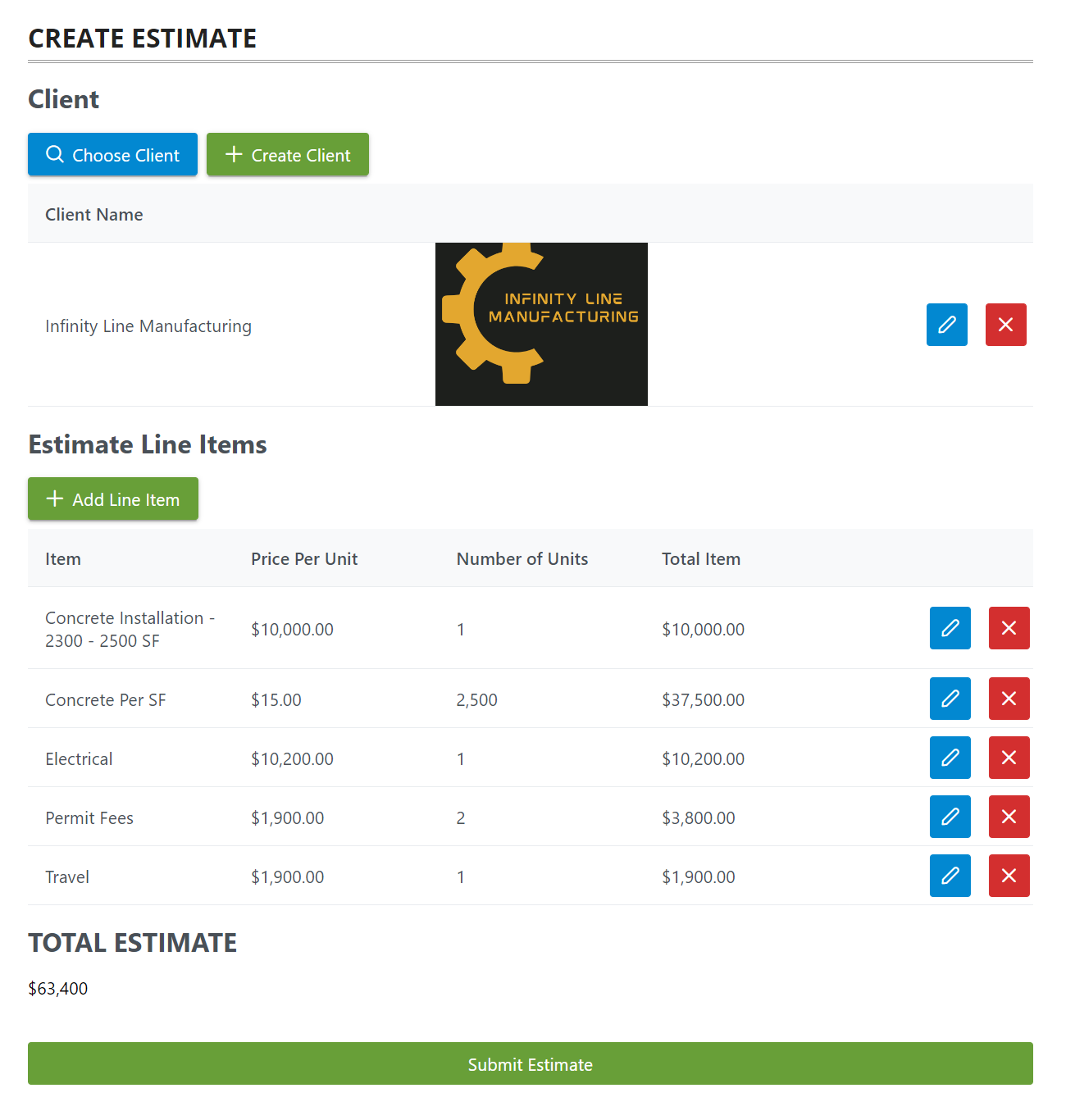
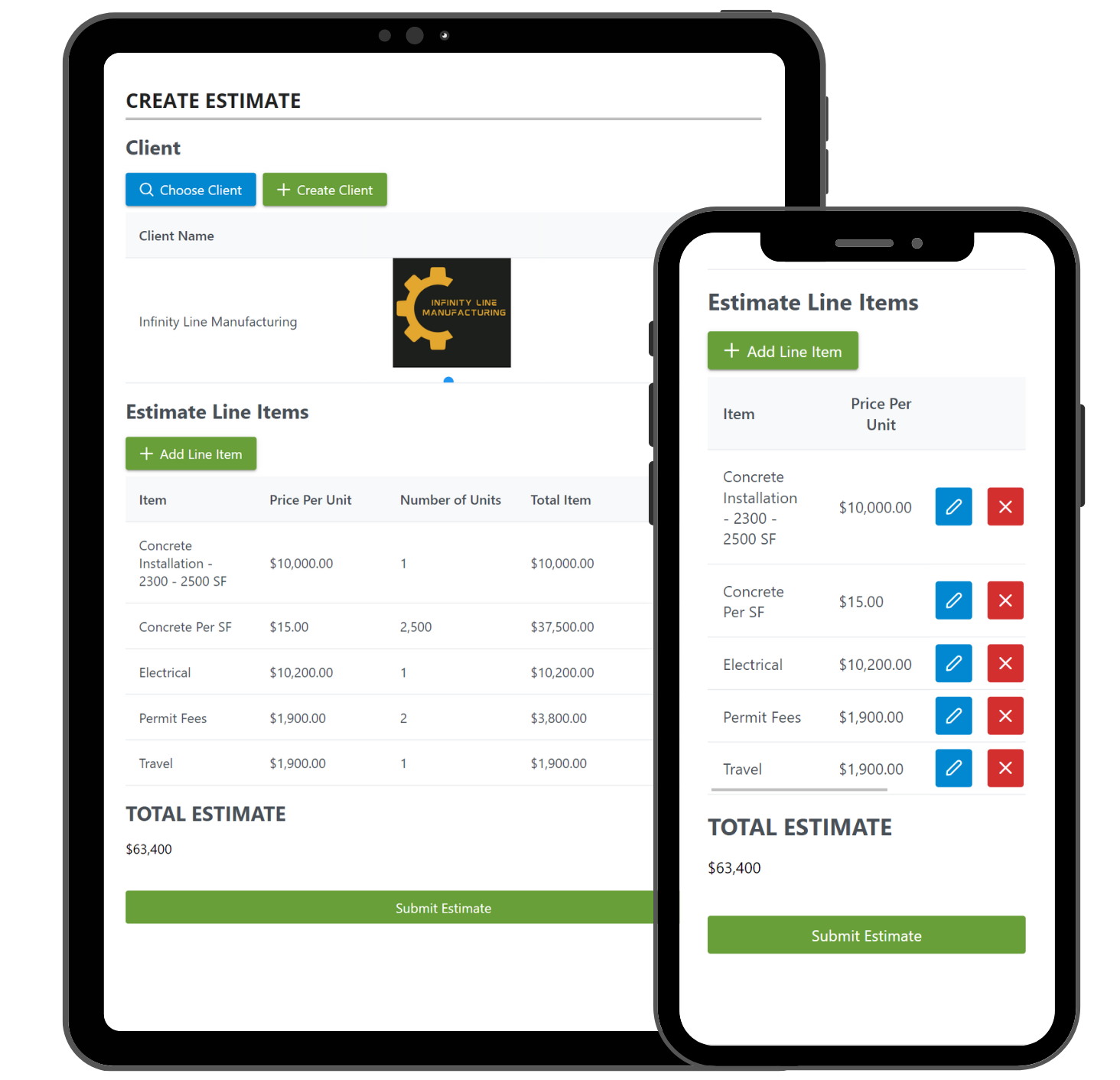
Jen used On2Air Forms to create a streamlined process for creating new projects and estimates. The team can now easily enter new project details, add materials, and create estimates all from a single form.
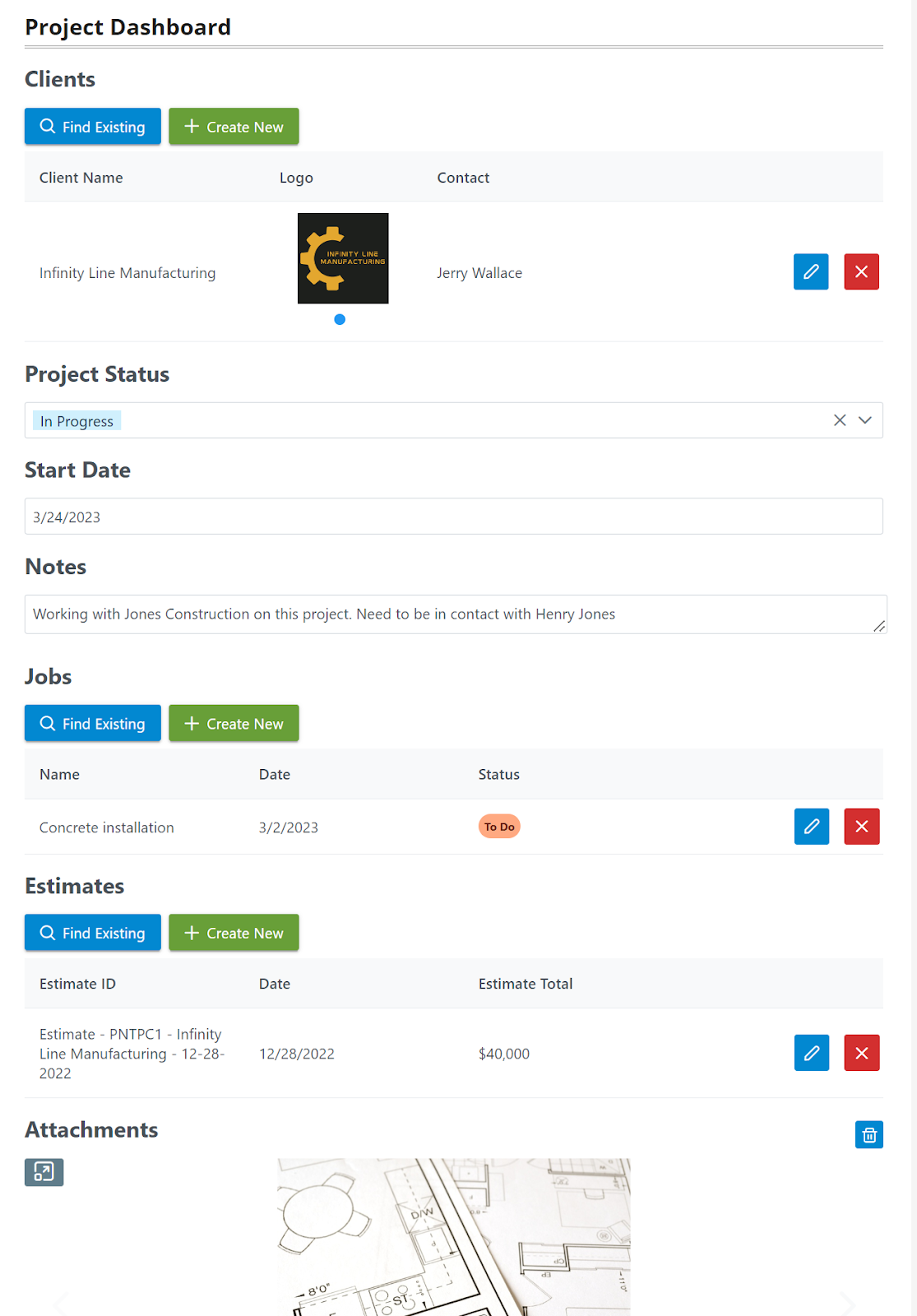
Project Dashboard
The Project Dashboard allows the team to view all active projects and their status. They can click on a project to view more details and make updates.
Estimate Creation
The team can now create detailed estimates using On2Air Forms. They can select materials from their inventory and add labor costs to generate a complete estimate.
Inventory Management
On2Air Forms also helps the company manage their inventory. They can easily track material usage and reorder items when stock is low.
Results
The implementation of On2Air Forms and Airtable has transformed the construction company’s operations. They now have a centralized system for managing all their projects, estimates, and inventory.
- Update Airtable construction project data with a form - The team can easily update project status and details from field.
- Create new Airtable project, estimate, materials, and inventory records - Streamlined process for creating new records.
- View Airtable data externally instead of in Airtable itself - Secure access to data for team members without full Airtable access.
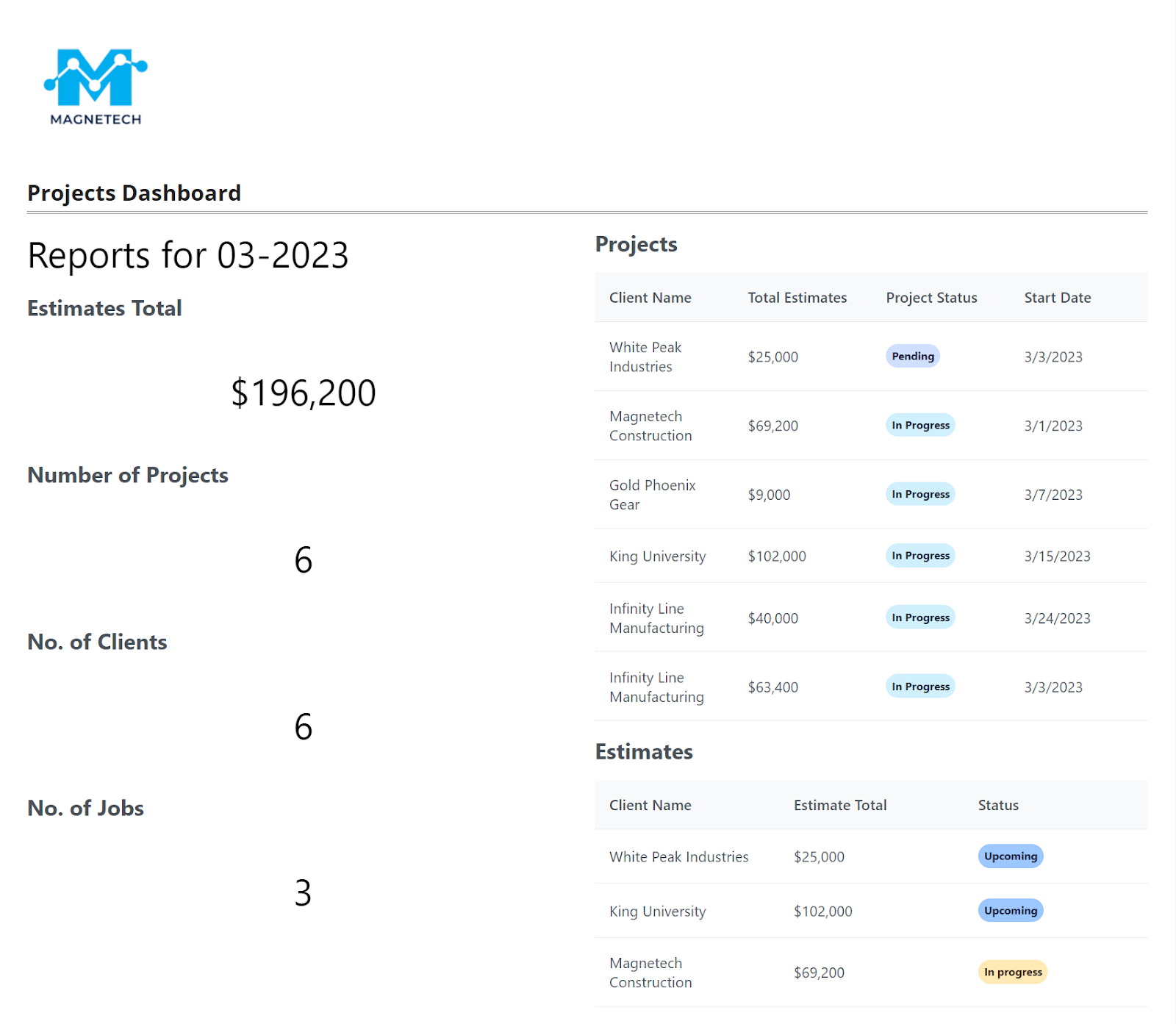
- Real-time information about Construction Projects - Management has visibility into project status and costs.
- Create Form Dashboards for users with filtered data - Customized views for different roles and teams.