Backups History Log and Details
 On2Air Help Center >
  On2Air Backups Start a free trial
The History Log is a log of every backup instance in your project with a link to the backup folder in your online storage
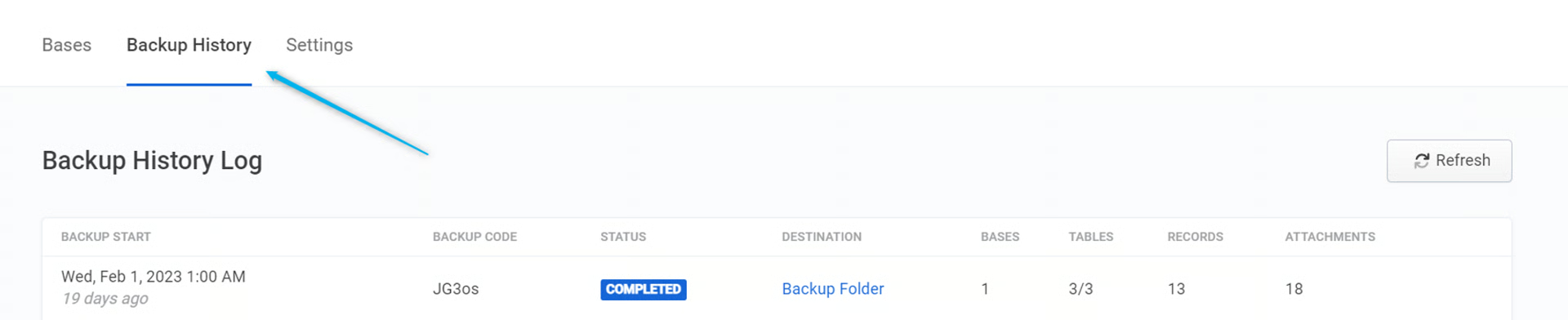
It displays:
-
Backup Status
-
Backup Destination Folder You can click this link to be directed to your backup folder
-
Number of Bases
-
Number of Tables
-
Number of Records
-
Number of Attachments
-
Click Refresh to see the most up-to-date backups
-
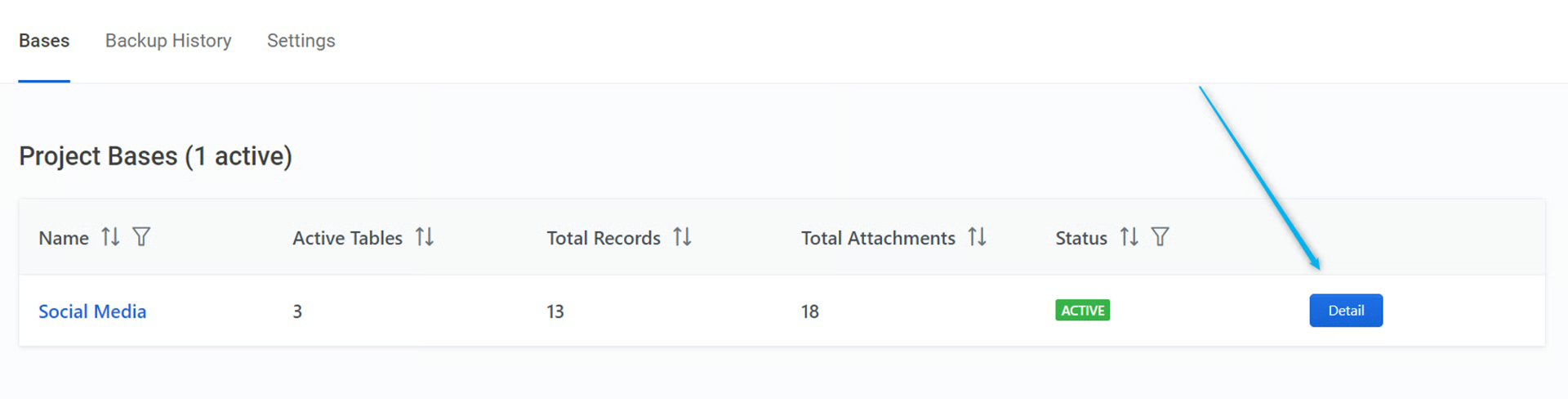
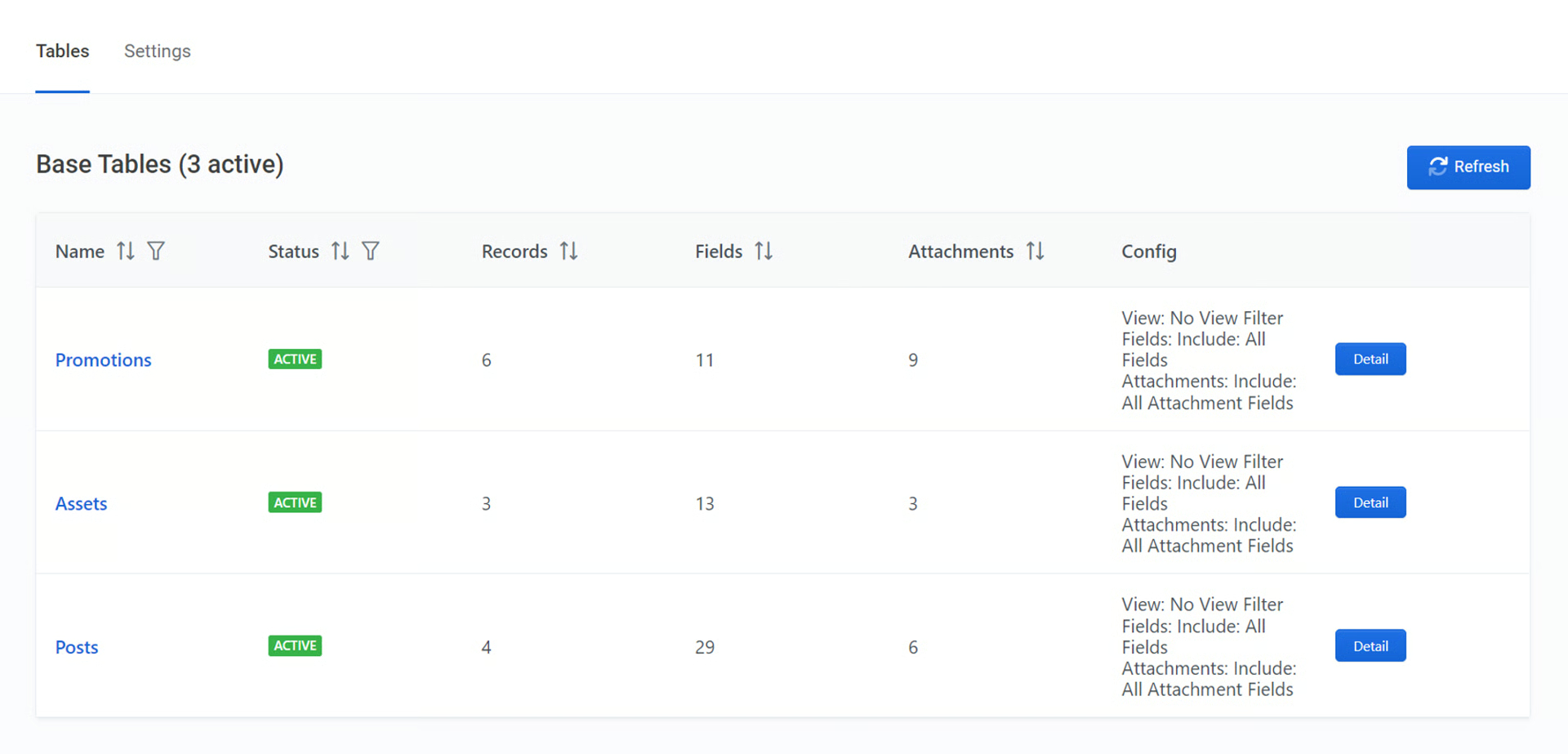
To see your Backups Details, click Details