How to Get the Workspace ID for Restoring to a New Base
 On2Air Help Center >
  On2Air Backups Start a free trial
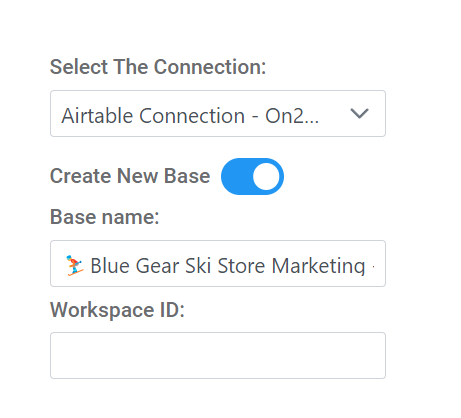
If Restoring to a New Base
Section titled “If Restoring to a New Base”If restoring to a new base, you’ll need the Airtable Workspace ID
- Open your Airtable Workspace
- Click on the Workspace name
- Look at the URL - It should have an ID that begins with a W
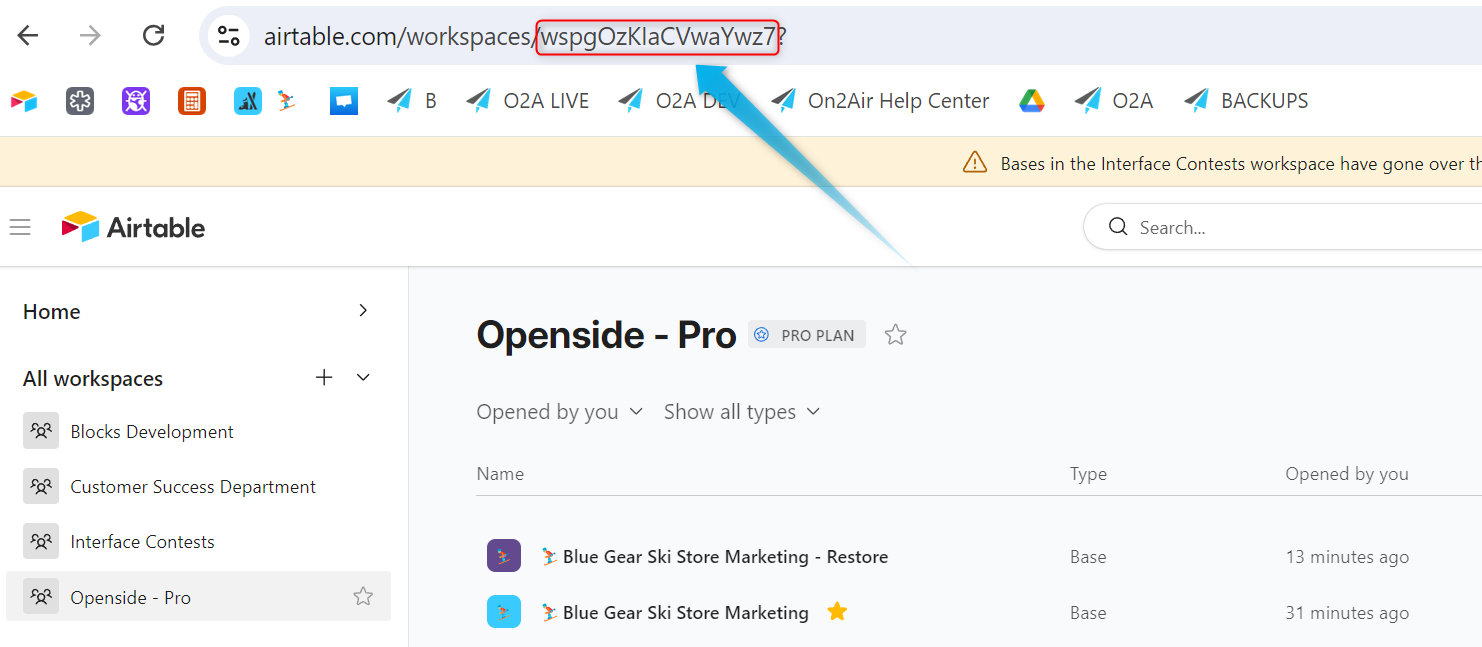
- Copy and Paste the ID (without the trailing question mark ?) into the Workspace ID field and click Next