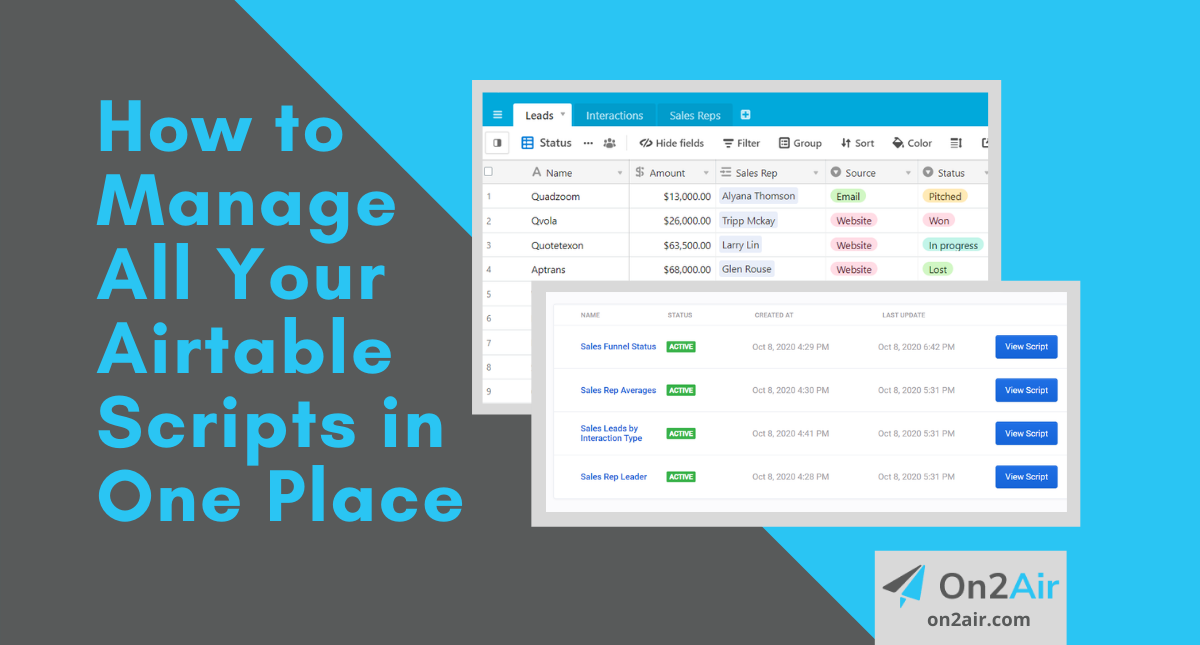
How to Manage All Your Airtable Scripts in One Place
The Airtable Scripting App brings a new level of customization for your company data in Airtable. When you start using the same scripts or the same snippets of code in multiple Airtable bases, it’s time to organize with a script management tool.
____________________________
On2Air Scripts is no longer being developed. We invite you to check out our other Airtable apps and extensions.
On2Air Forms – Airtable forms, dashboards, and interfaces
On2Air Backups – Automated Airtable backups of your critical data sent to Google Drive, Dropbox, or Box
On2Air Docs – Automated documents using your Airtable data. Generates and PDF and Google file URL and uploads it back to your Airtable base. Uses Google Docs, Sheets, or Slides as the document template.
____________________________
The Airtable Scripting App brings a new level of customization for your company data in Airtable. You can create scripts to do various tasks and functions with the information stored in your base. From custom booking apps to project dependencies or data cleanup, scripts can help you with a better overview of your business information.
When you start using the same scripts or the same snippets of code in multiple Airtable bases, it’s time to organize with a script management tool.
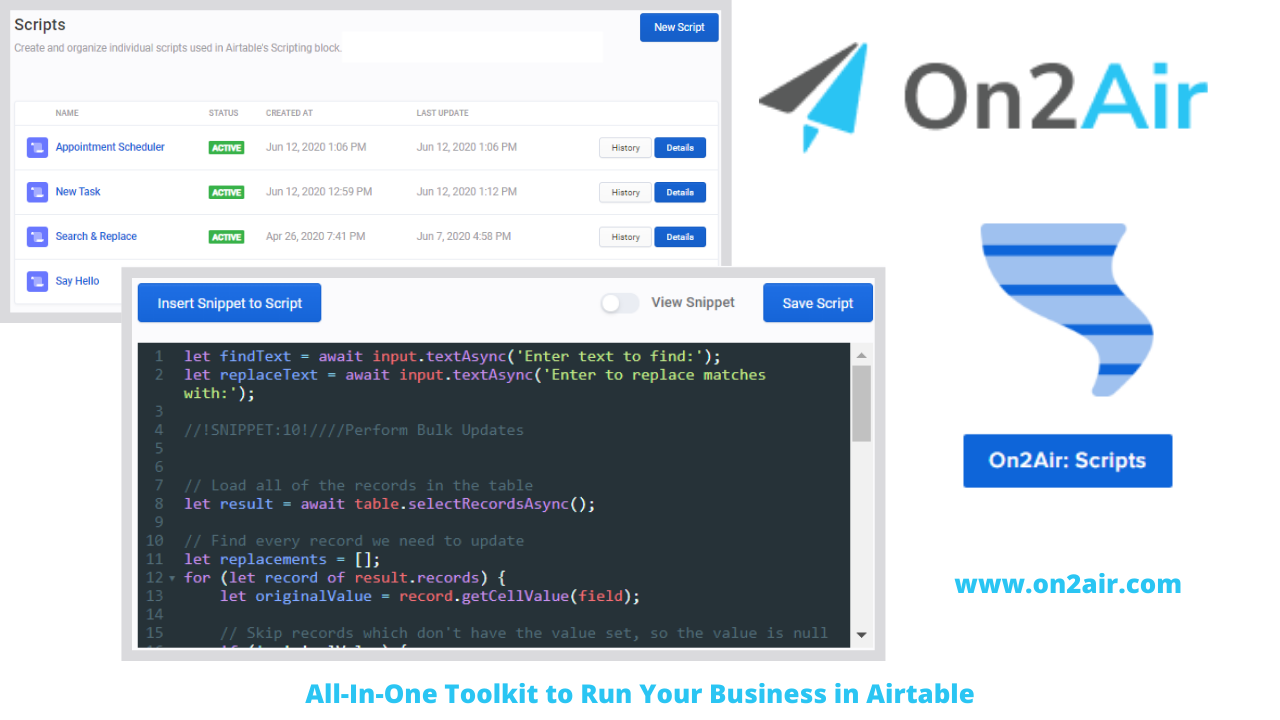
On2Air: Scripts is your script management system to use with the Airtable Scripting App. On2Air: Scripts gives you more control and organization of your scripts. You can use snippets of code in multiple bases and manage multiple scripts from one dashboard.
Table of Contents
Using Scripts in Your Business
Add the code snippets to On2Air
Add the script to Airtable and view the Sales report
Using Scripts for your Finances
Add the Invoices script to On2Air
Add the script to Airtable and view the Open Invoices report
Managing Multiple Scripts for Your Business
In this article
We’re going to use On2Air: Scripts to add multiple scripts to our Sales base and then use the same snippets in our Invoices base. With the snippets saved, you’ll be able to use this as a starting point for many more scripts.
Using Scripts in Your Business
The Scripting App in Airtable allows you to run JavaScript directly in your base to enhance your data, manage tedious tasks, and create features Airtable doesn’t offer.
You can use custom scripts for:
- Financial Dashboards
- Automated Invoices
- Custom Scheduling
- Detailed Reports
- Processing Recurring Orders
- Connecting to an external API
- Data Cleanup
- Data Validation – check for missing information
About the Sales scripts
Your Sales process and pipeline is a constantly changing system. It’s something that needs to be reviewed regularly to ensure you’re always bringing in and closing new leads.
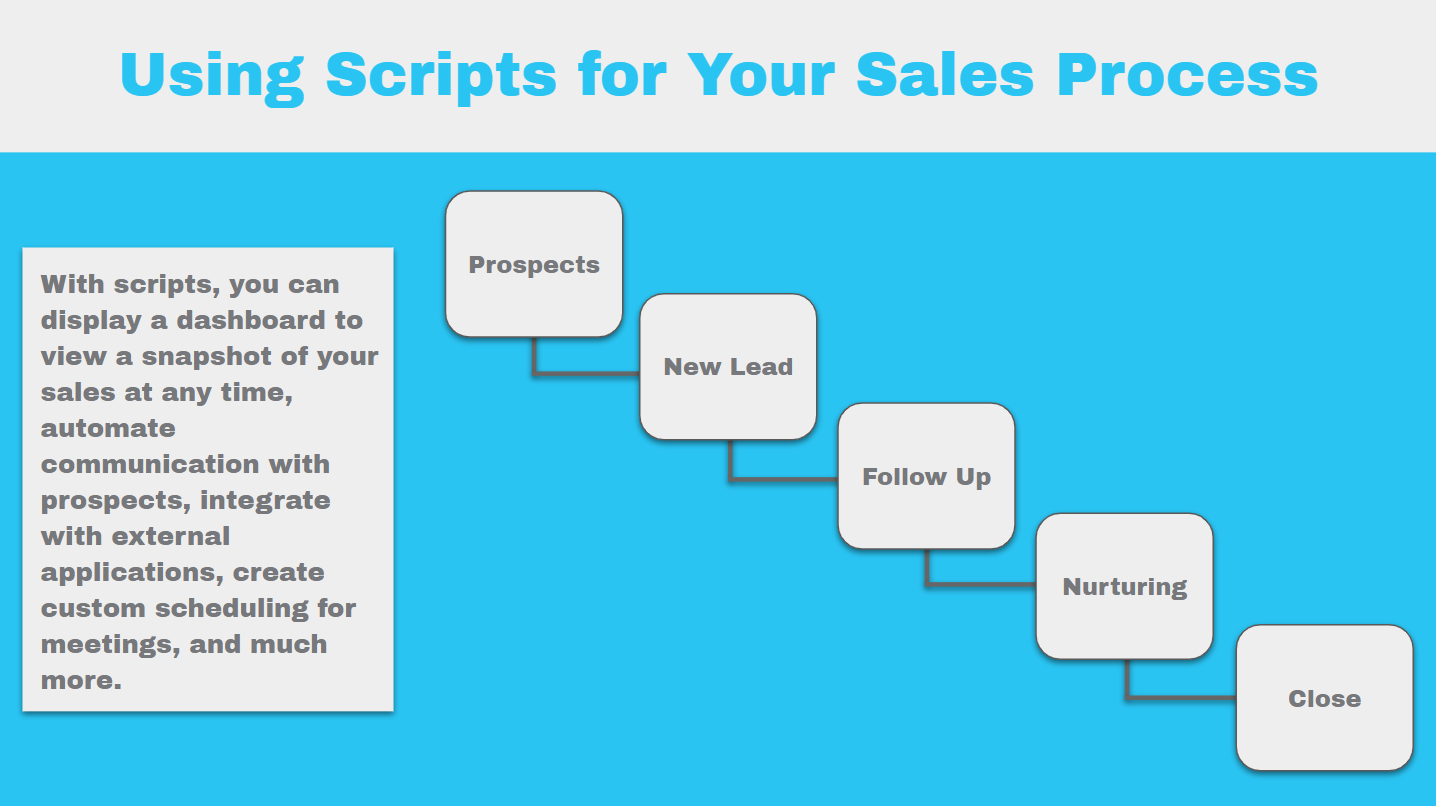
These scripts will give you a:
- Sales Rep Leaderboard
- Snapshot of your Sales Funnel
- Cold Leads Dashboard
- Sales Rep Averages
What you need to begin
Before creating this script, you need three tables in your base – Sales Reps, Leads, and Interactions
Copy our Sales base template in Airtable to get started
You also need to know how to add scripts to your base.
First, we’ll add the Snippet to On2Air
- In On2Air: Scripts, click Snippets in the menu
- Click New Snippet
- Paste the 4 utility function code snippets into the text box
- Rename your Snippet
- Click Save Snippet
- Enable your Snippet
/wp/../images/resources/uploads/add-new-snippet-scripts-webinar-faster-1.mp4
Next, we’ll add each Script to On2Air
- Click Scripts in the menu
- Click New Script
- Click Insert Snippet to Script
- Choose the Utilities Snippet
- Click Insert Snippet
- Paste the Script into the text box below the Snippet
- Rename the Script
- In this one, we added the Sales Funnel script first
- Click Save Script
- Enable your Script
- Repeat for each Script making sure to insert the Snippet in each one
- Add the Sales Leaderboard script
- Add the Cold Leads script
- Add the Sales Rep Averages script
/wp/../images/resources/uploads/add-new-script-scripts-webinar-fastermp4.mp4
Then, we’ll create a Block in On2Air
- Click Blocks in the menu
- Click New Block
- Click Add Script to Block
- Select the Sales Funnel script
- Click Add New Block Script
- Again, Click Add Script to Block
- Continue adding each Script until all 4 are added
- Click the Block Script tab
- Paste the code for the Sales variables
- Enable the Block
/wp/../images/resources/uploads/add-new-block-o2a-scripts-webinar-fastmp-2-Copy.mp4
Last, we’ll add the newly generated script to our base
- Click the Export tab in the On2Air Sales Block
- Click Copy to Clipboard to copy the new code
- Open your Sales base in Airtable
- Add the new code to the Scripting base
- Click Run
/wp/../images/resources/uploads/add-sales-block-to-airtable-base-on2air-scripts-article-2-Copy.mp4
You now have an amazing new sales report!
- You should see a menu with a button for each of the 4 scripts
- Click each button to see each report!
/wp/../images/resources/uploads/see-all-4-scripts-on2air-final-result.mp4
Using Scripts for Your Finances
Now, maybe you want to use the same utility snippets for another script in your Finances base.
With scripts, you can display a financial dashboard containing revenue, expenses, and accounts receivable, automatically generate and send invoices, regularly view open orders, and complete data validation checks to ensure your information is entered correctly.
This script will be for our Business Finances base. It will calculate and display a table of “Open Invoices”.
Add the Scripts to your Invoices base
- Since the Snippets are already added, you can add the new Open Invoices script in the Scripts section of On2Air: Scripts just like you did the Sales scripts
- Then, insert the Utilities snippet into your new Open Invoices script
Now, create a Block in On2Air for the Invoices script
- Create another Block in On2Air
- Add your Invoices Script
- Paste the code for the Invoices variables and enable the Block
/wp/../images/resources/uploads/add-new-invoice-block-script-cropped.mp4
You should now have an open invoices report!
- You should see a menu with a button called Open Invoices
- Click the button and you now have a table with a list of Open Invoices!
/wp/../images/resources/uploads/add-invoices-block-to-airtable-scripts-1800.mp4
Managing multiple scripts for your business
Scripts in Airtable can eliminate tedious tasks and give you more extensive features in Airtable. When you are able to add the same script or code snippets to multiple bases, you’ll save time and frustration.
On2Air: Scripts is part of a suite of multiple apps to make Airtable better. Start a free trial of On2Air to create advanced forms, automatically backup your bases, and connect your bases to other bases or any other software.
On2Air: Scripts - Script Management App
Do you use scripts in more than 1 base? Do any of your scripts use some of the same code?
Need more control and organization for your scripts?
Scripts in Airtable allows you to add JavaScript code to interact with the data in your base. If you have multiple scripts or you use the same script in multiple bases, it can get messy trying to maintain each one.
With On2Air: Scripts, you can edit, organize, and maintain multiple scripts for multiple bases from a single codebase.
Start a free trial of On2Air: Scripts and all On2Air apps today!