Backup Audit
 On2Air Help Center >
  On2Air Backups Start a free trial
After each Backup processed, On2Air runs a Backup Audit. The audit reviews your Airtable connection, your storage connection, and the backup status of each base, table, and attachment in your project. This provides you an overview of the backup status and, if needed, you can fix any issues.
In this tutorial
-
What’s included in the Backup Audit?
-
How often are Backup Audit emails sent?
-
How to manually start a new Audit
-
Errors and Backup Failures
-
Troubleshooting Guide for Errors and Failures
What’s included in the Backup Audit?
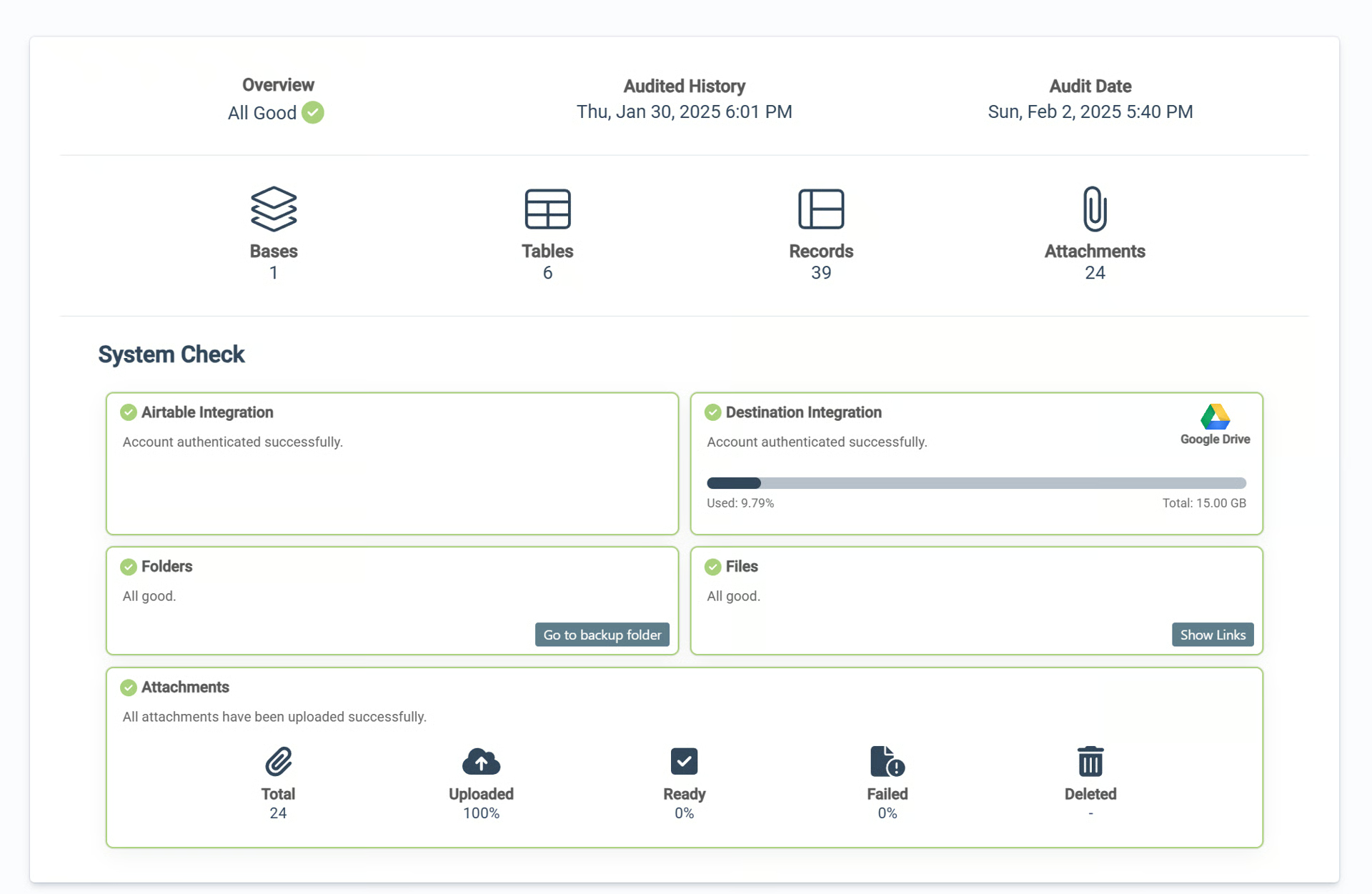
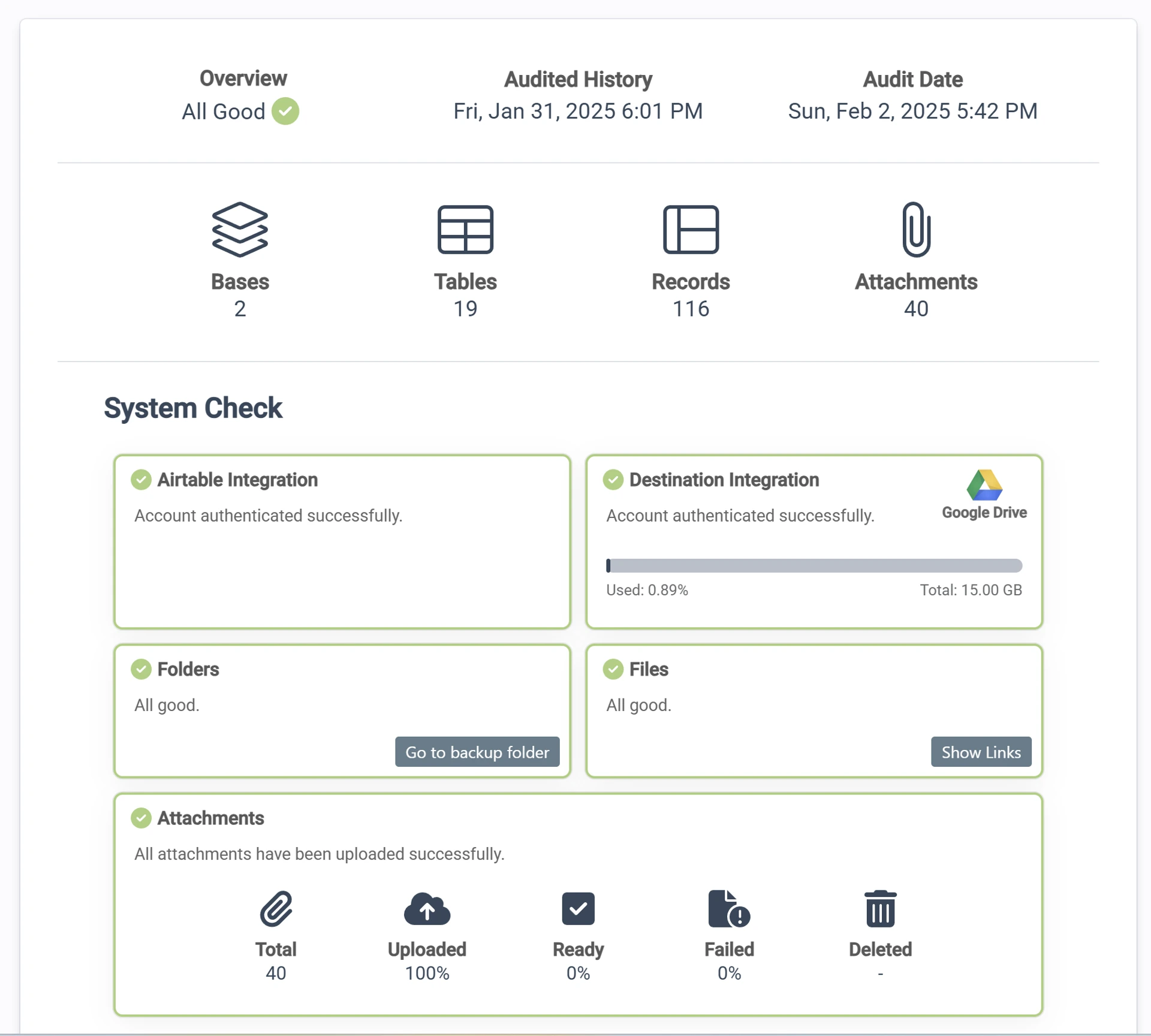
Section titled “What’s included in the Backup Audit?”The audit includes:
- Your Airtable connection status
- Your storage drive connection status
- Backup Status of each Base in your Backup Project
- Backup Status of each Table in your Backup Project
- Backup Status of each Attachment in your Backup Project
- Storage Drive folders
- Storage Drive files
- Storage Drive storage space
- Number of Bases in your Project
- Number of Tables in your Project
- Number of Records in your Project
- Number of Attachments in your Project
- Percent of Attachments Uploaded, Ready, Failed, and Deleted
How often are Backup Audit emails sent?
Section titled “How often are Backup Audit emails sent?”Automatic audit emails are sent out monthly.
Additionally, you can manually initiate a new audit and an email is sent for each event.
How to manually start a new Audit
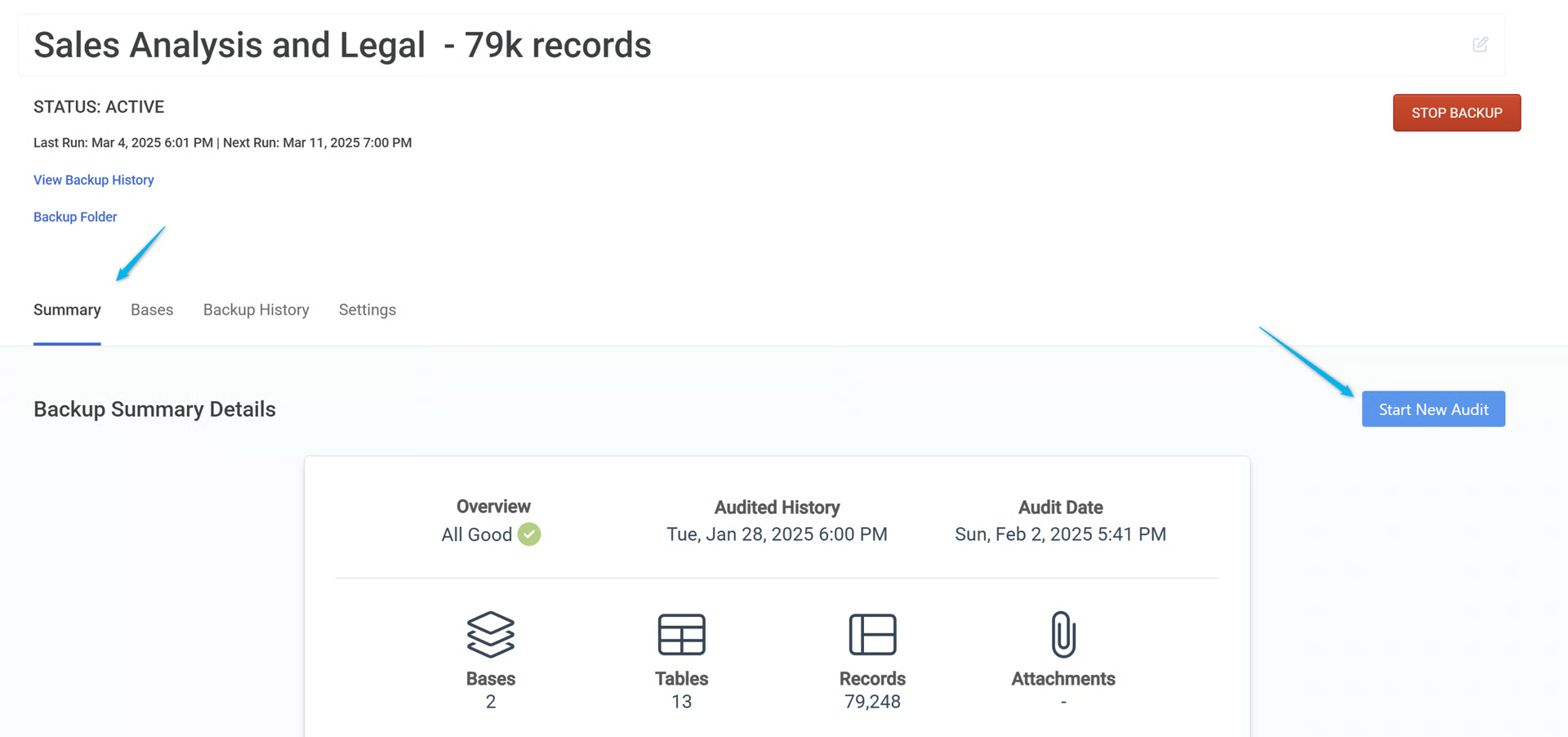
Section titled “How to manually start a new Audit”To manually start a new audit:
- Open your Backup Project
- Ensure you’re on the Summary tab
- Click Start New Audit
Errors and Backup Failures
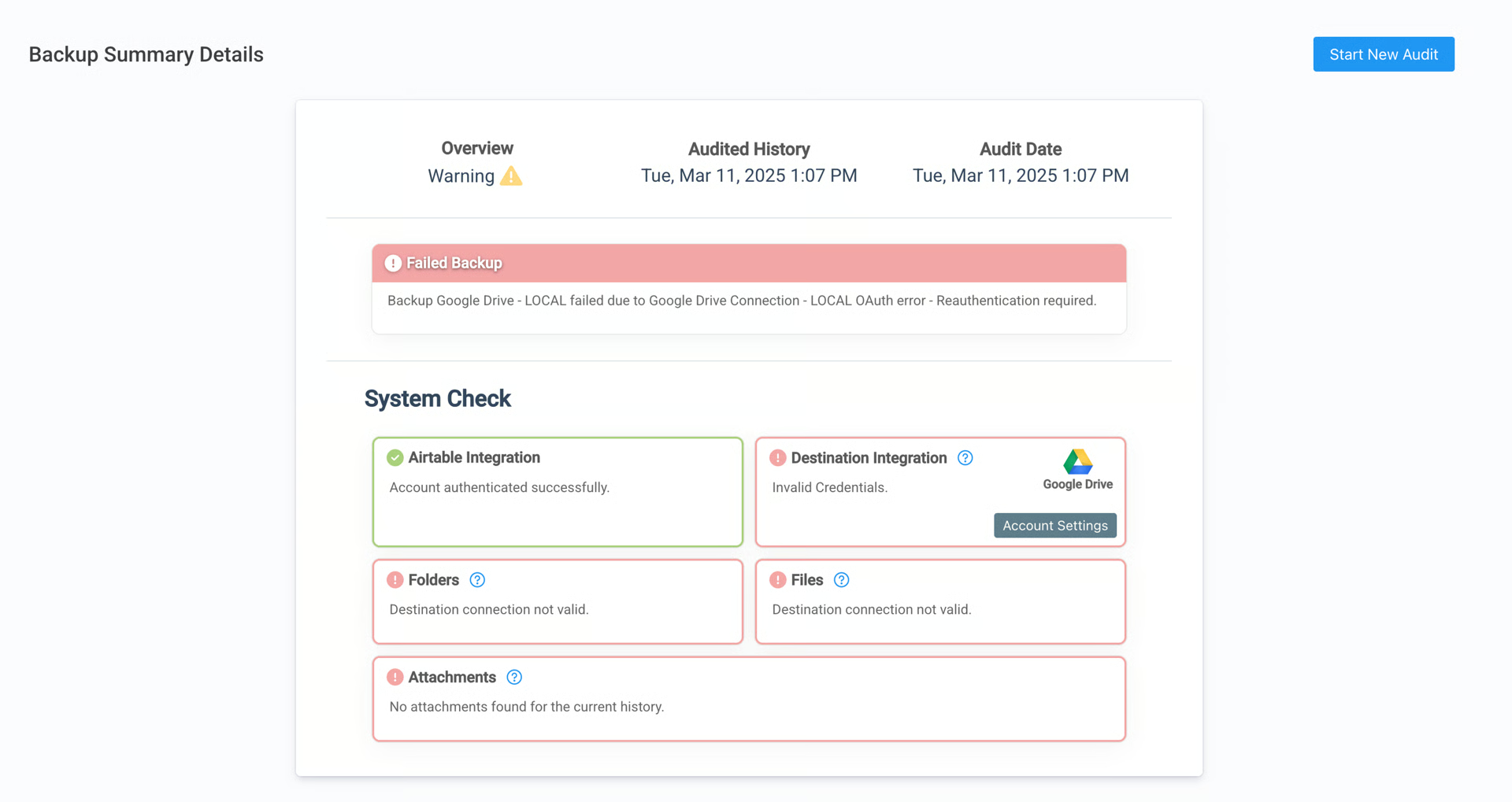
Section titled “Errors and Backup Failures”We send automated emails when a backup fails, like when there are connection issues or lack of permissions.
In this example, the Destination connection to Google Drive has been disconnected and needs to be Re-authorized. This also means the Folders and Files are not available.
Backup Audit in On2Air Backups
The email you will receive looks similar to this:
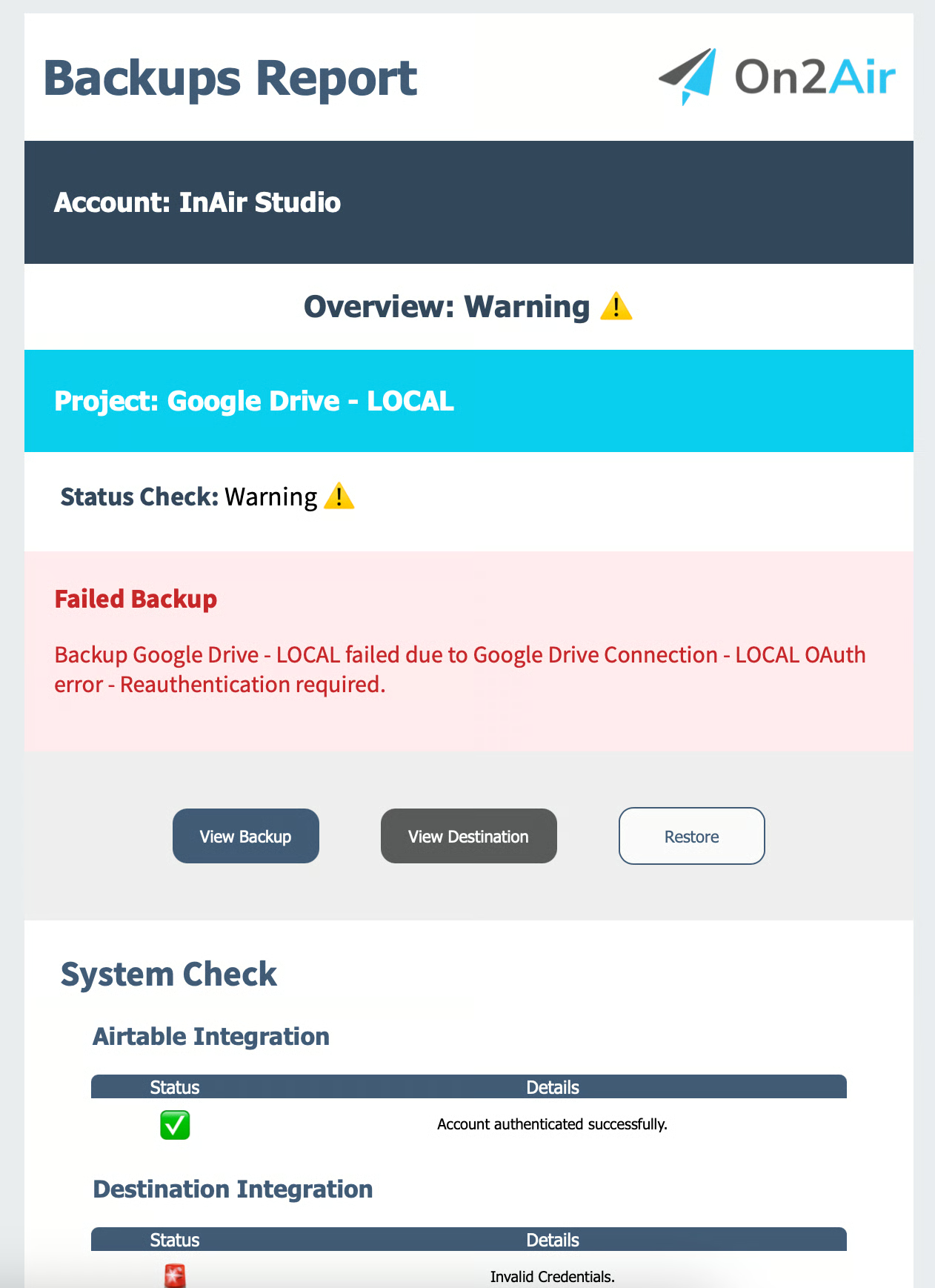
Backup Audit sent to email
Troubleshooting Guide for Errors and Failures
Section titled “Troubleshooting Guide for Errors and Failures”See the  Troubleshooting Guide to fix any connection issues