Count
🔴 On2Air Forms has been shutdown to focus on our On2Air Backups Airtable app Learn more about automated Airtable backups - on2air.com
➡️
The Count field counts the number of linked records.
See more Fields in the Form Field Reference
-
How to Add a Field to Your Form
-
Field Configuration
-
Field Labels
-
Field Status
-
Extra Options (Advanced)
-
Danger Zone
NOTE: This field will only Display on the Edit Record mode and will not refresh live with field edits. If live updates needed, use our  Formula - On2Air field instead.
How to Add a Field to Your Form
Section titled “How to Add a Field to Your Form”Here’s how to add Airtable Fields or On2Air Custom Fields to your Form
➡️
 How to Add Airtable Fields and On2Air Custom Fields to Your Form
Field Configuration
Section titled “Field Configuration”Field Labels
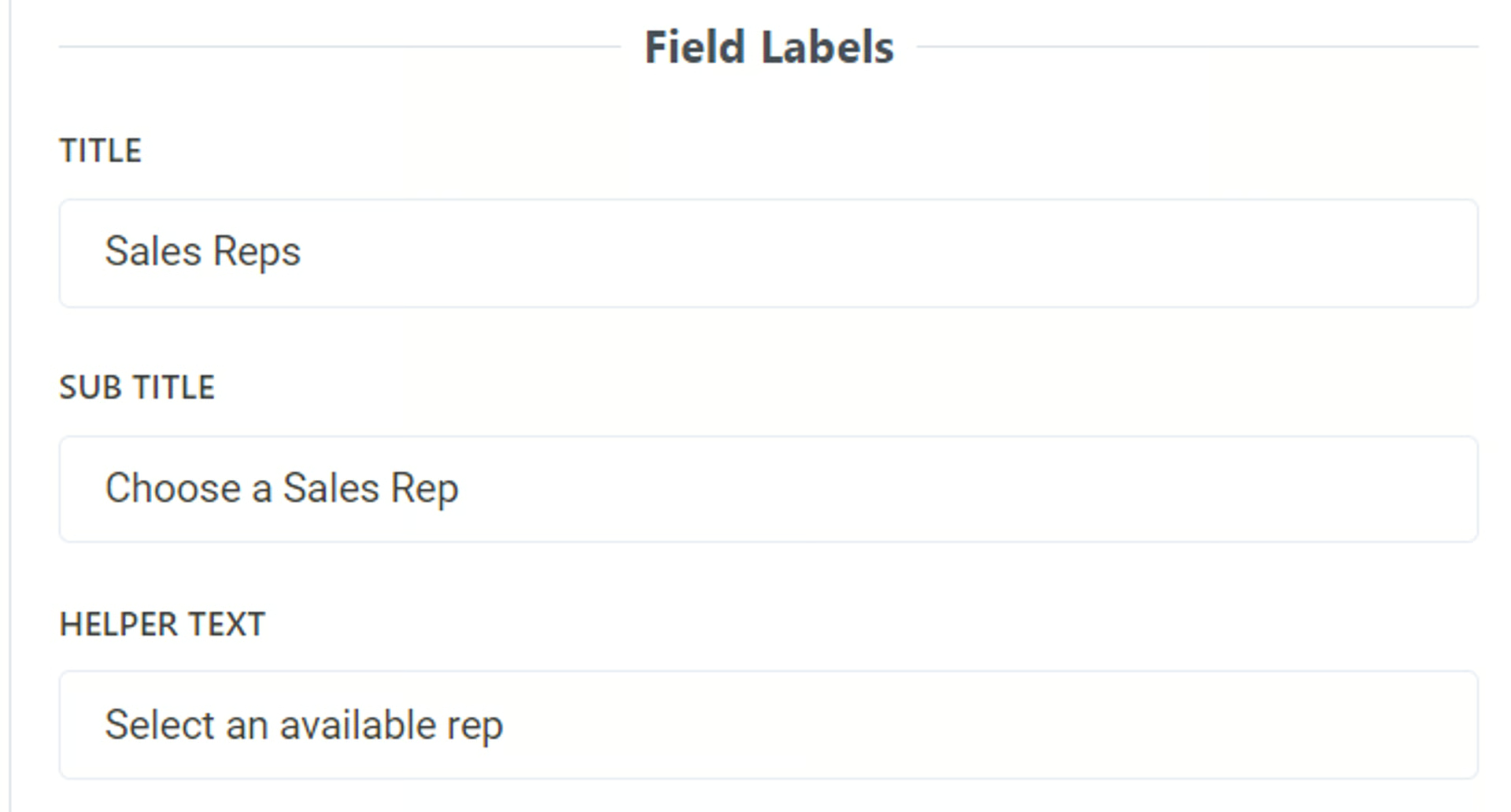
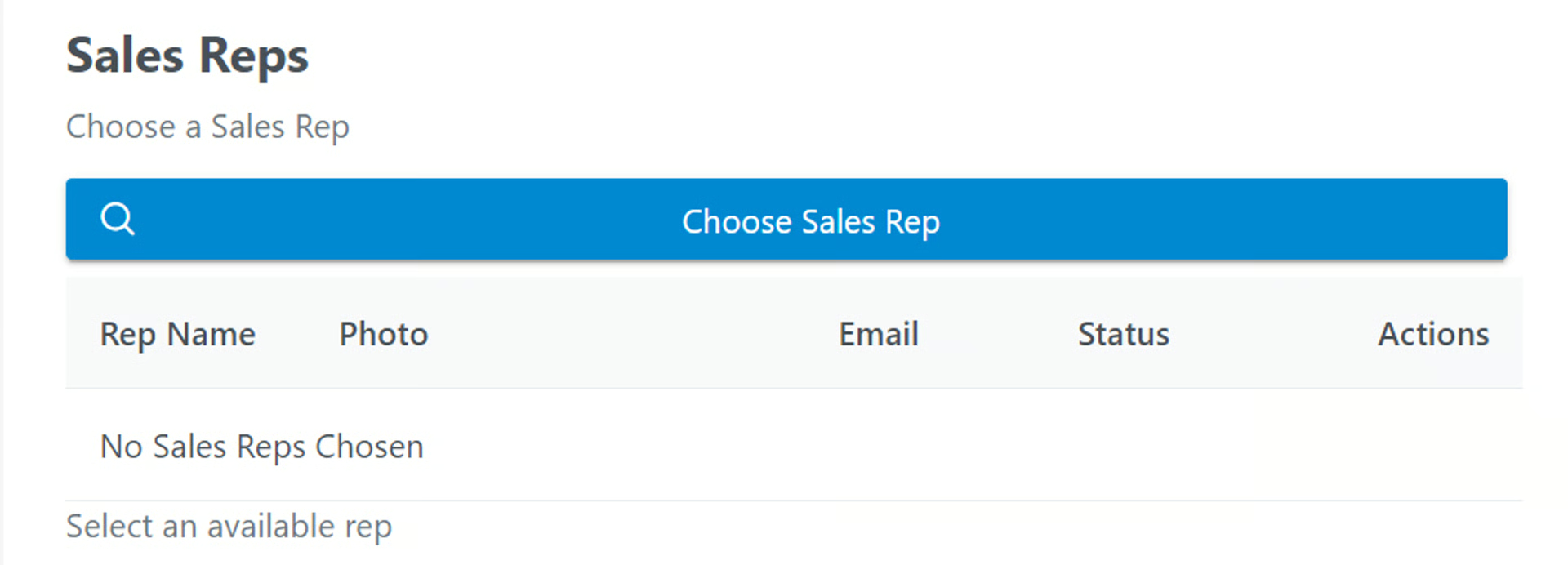
Section titled “Field Labels”Title
- Add a title to be displayed above the field as the main name. To leave blank, add a single space
By default, this is the name of your field in Airtable. You can use a different field name than your base and it will not affect the field name in your base.
Sub Title
- Add a subtitle to be displayed above the field. To leave blank, add a single space
You can use text in this field and you can use Markdown to increase text size, bold, or italics
Related:  Use Markdown with On2Air Forms
Helper Text
- Add helper text to be displayed below the field. To leave blank, add a single space
You can use text in this field and you can use Markdown to increase text size, bold, or italics
Related: Use Markdown with On2Air Forms
Example:
Field Status
Section titled “Field Status”- Display Field Content - Determine how to this field is displayed. Display Field as Text or other Displayable format (not editable).
- Hidden Field - Determine how to this field is displayed. Field is Included but not Visible.
Extra Options (Advanced)
Section titled “Extra Options (Advanced)”You can add additional formatting options to your form fields using the Prime React components library and JSON
View available components at www.primefaces.org/primereact
Danger Zone
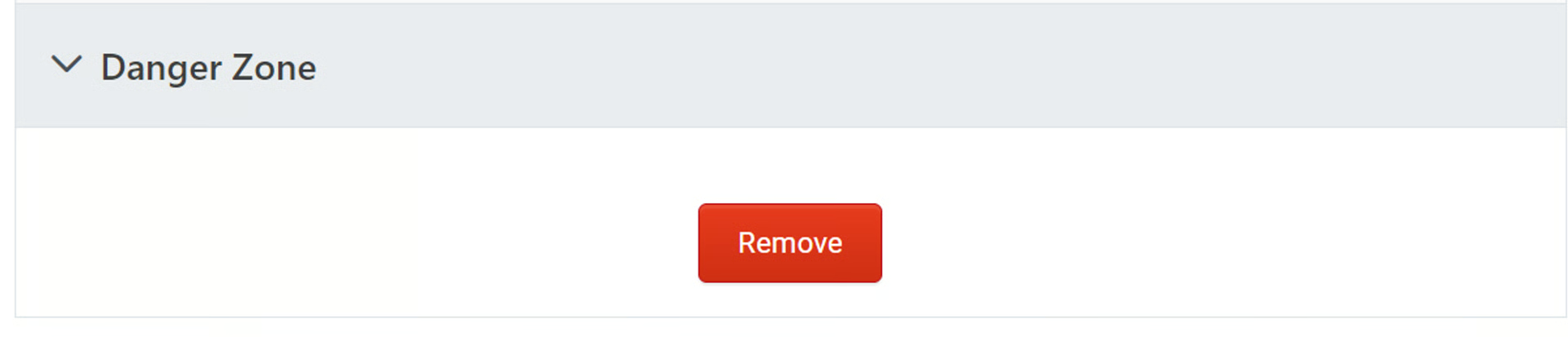
Section titled “Danger Zone”Delete your field from the form
Click Remove
Click Yes, I want to delete this field from the form