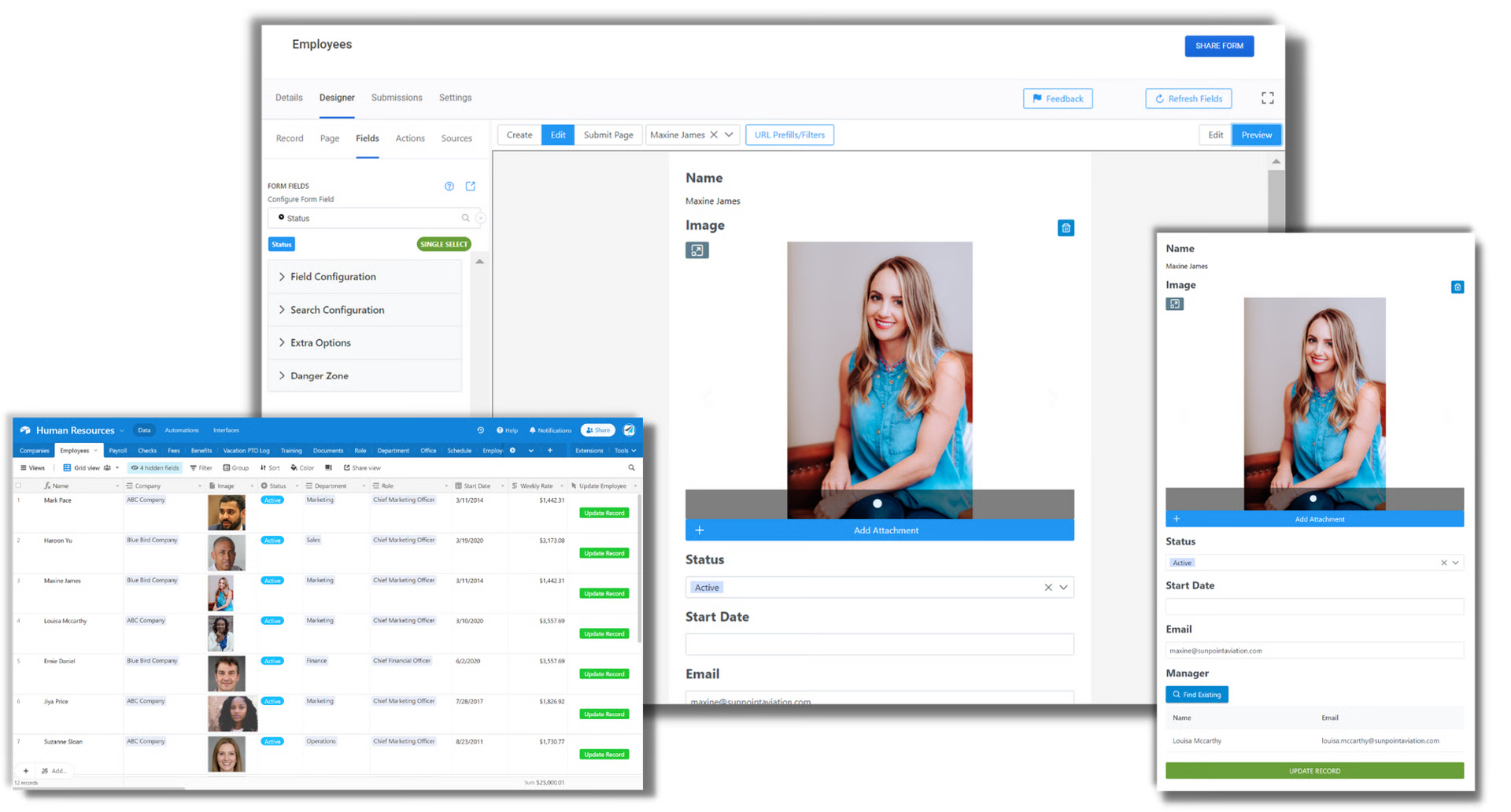
Use a JSON Editor in On2Air Forms
🔴 On2Air Forms has been shutdown to focus on our On2Air Backups Airtable app Learn more about automated Airtable backups - on2air.com
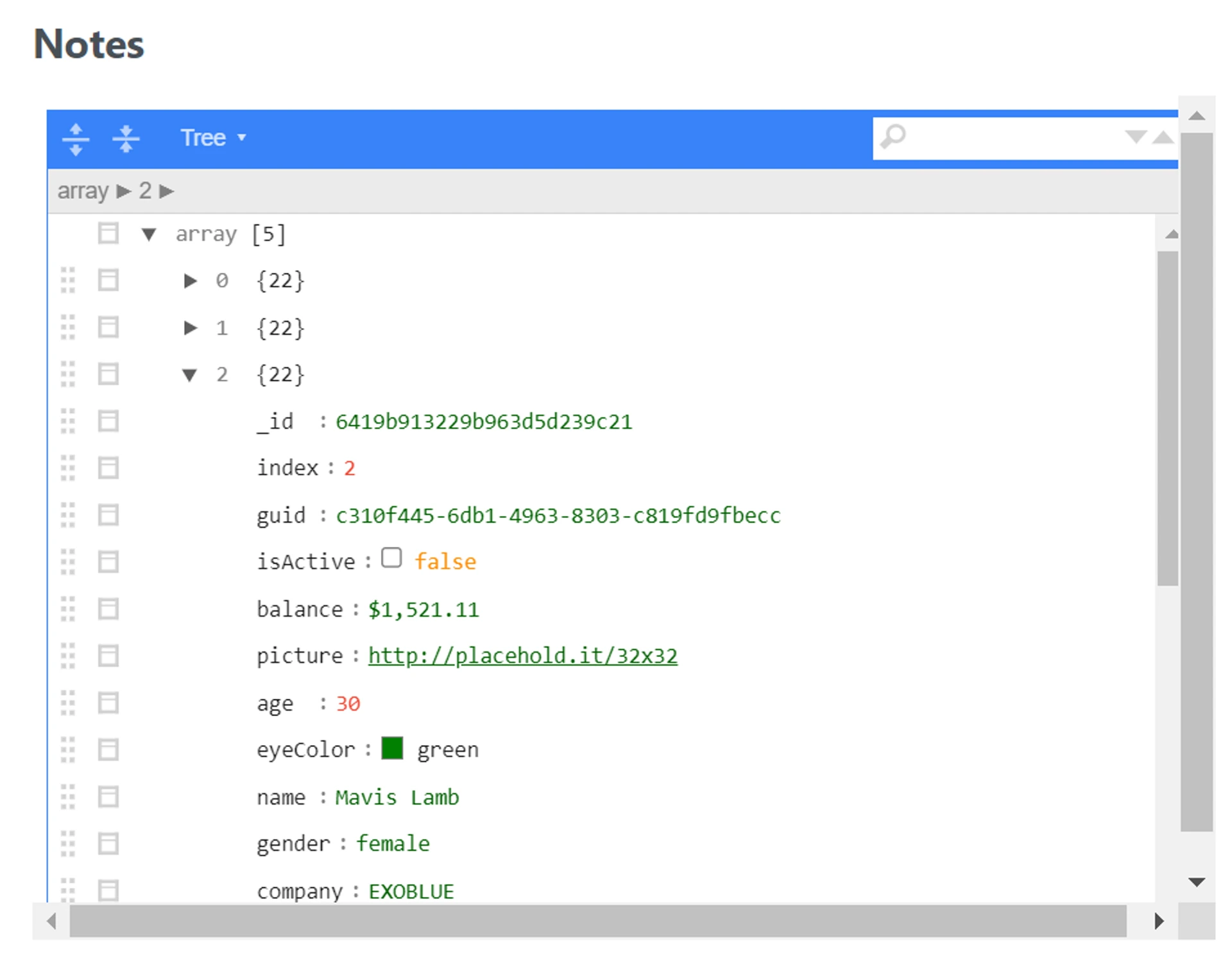
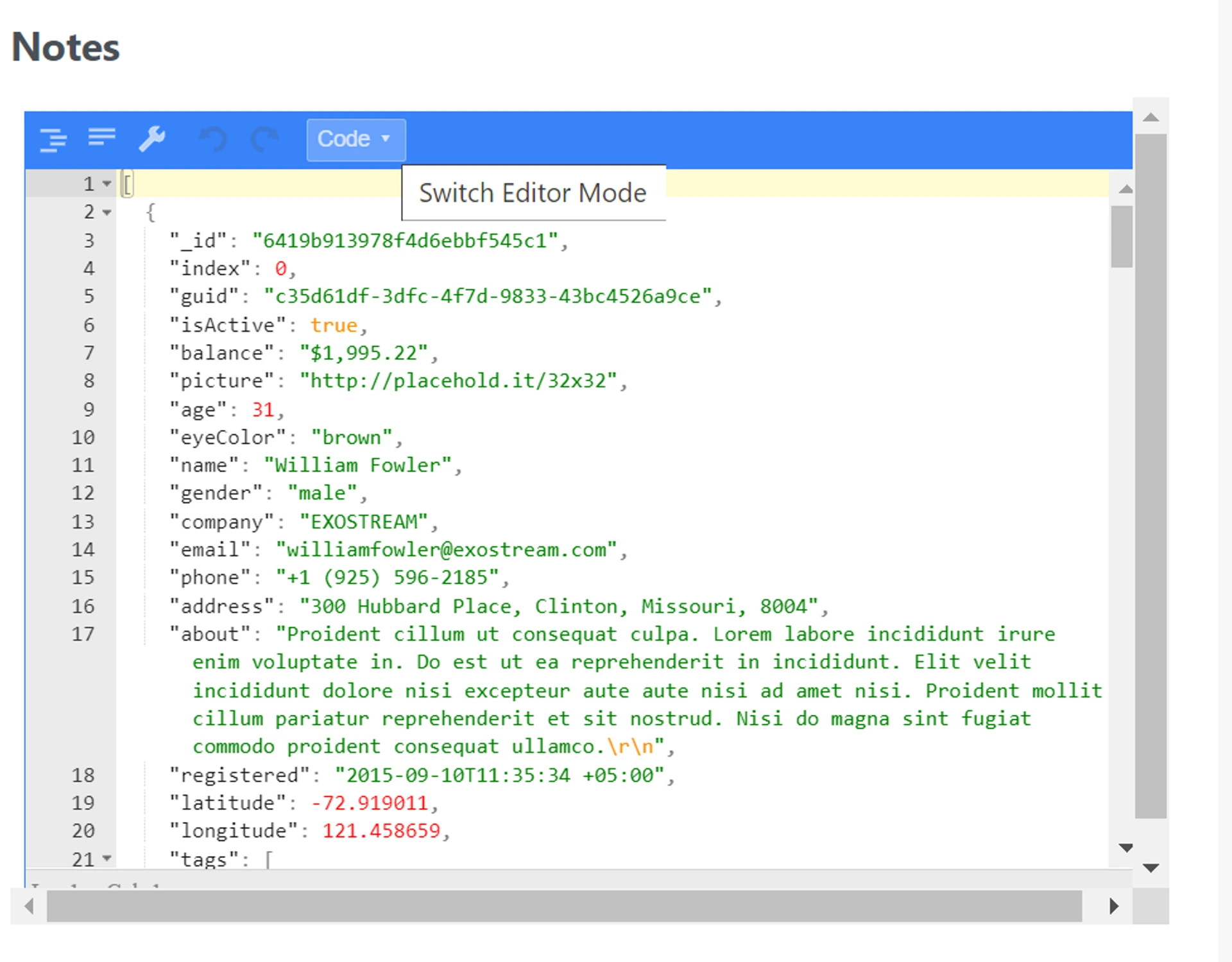
In this tutorial, you’ll learn how to use the JSON Editor in On2Air Forms for Airtable to create and use JSON.
In this tutorial
-
Enable the JSON Editor
-
Get Started Free with On2Air Forms
Enable the JSON Editor
Section titled “Enable the JSON Editor”You can use a JSON Editor on your form with the  Long Text (+ Rich Text) field.
-
Add a
Long Text (+ Rich Text) Field type from your Airtable base to your form -
The Long Text field must have Enable rich text in Airtable disabled
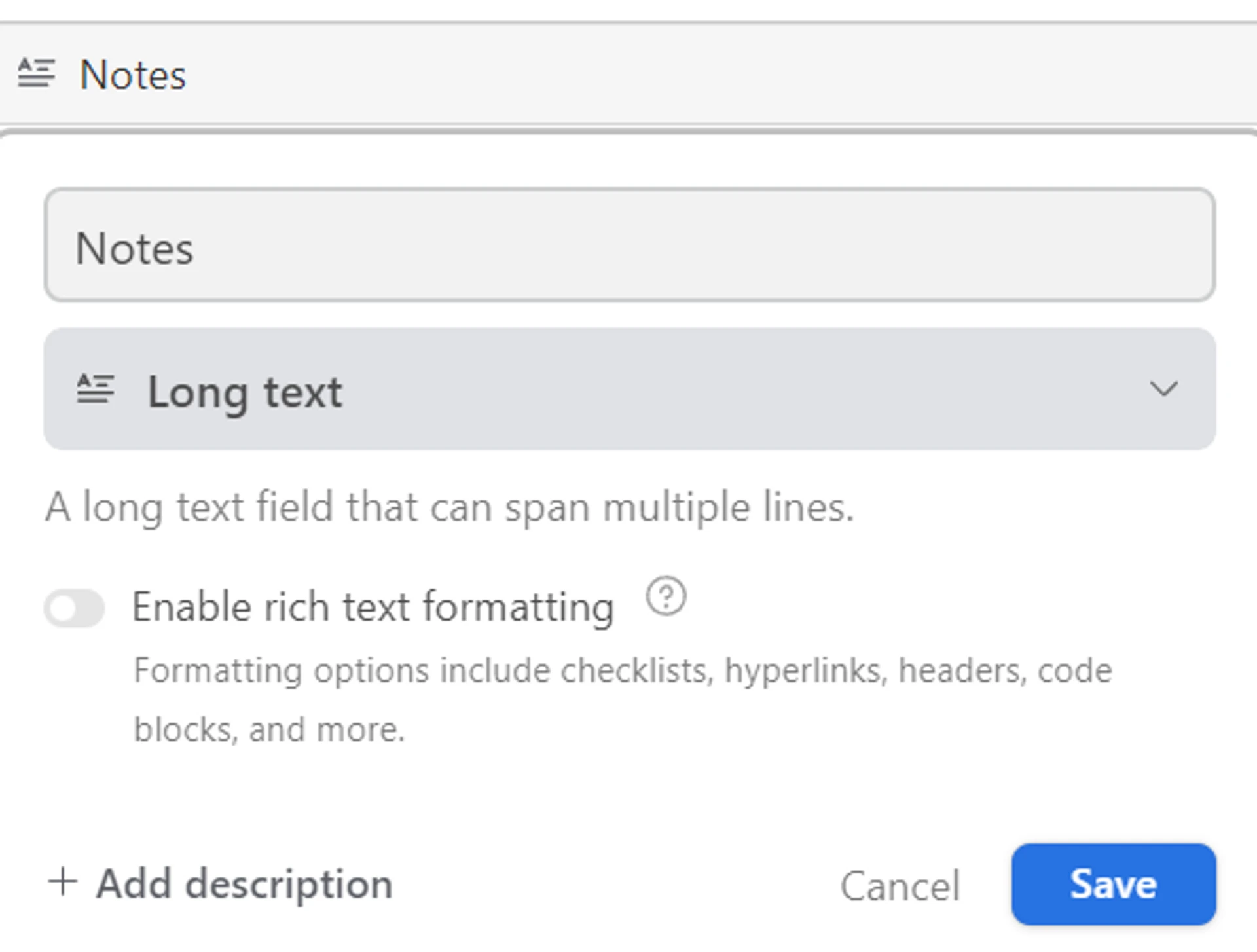
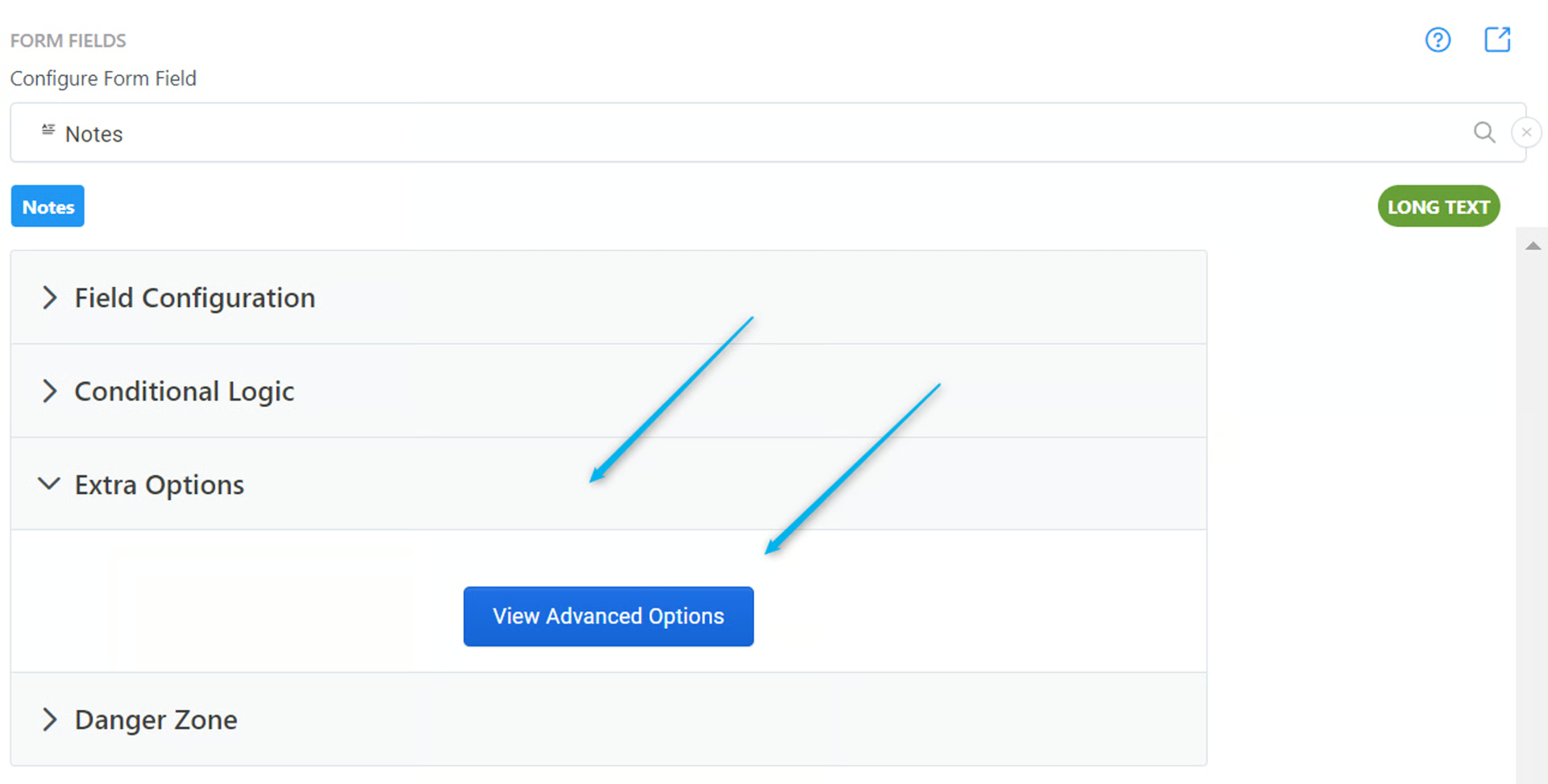
- Open the Extra Options menu in your Long Text field and click View Advanced Options
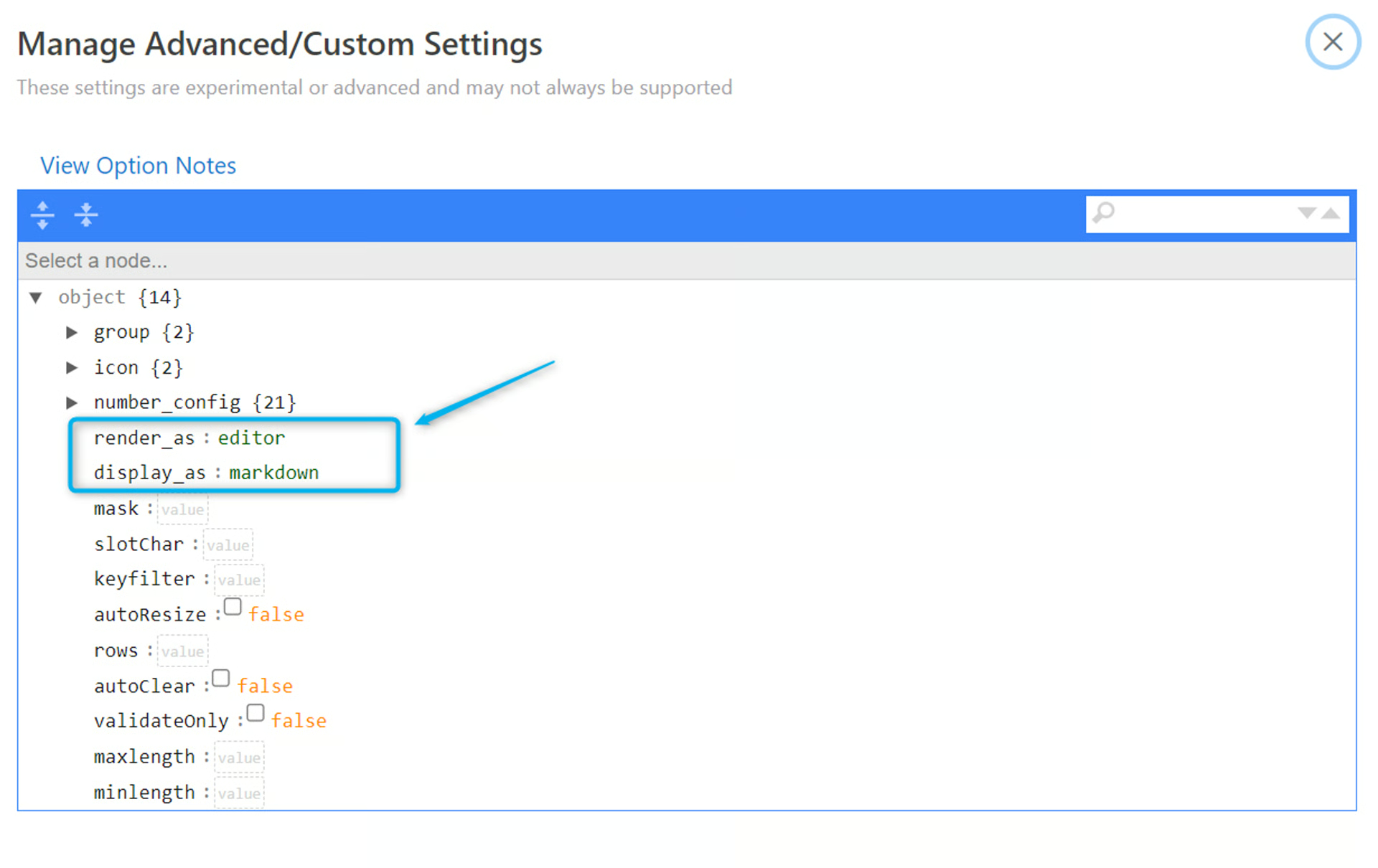
- In the render_as field, enter the term editor and in the display_as field, enter the term markdown
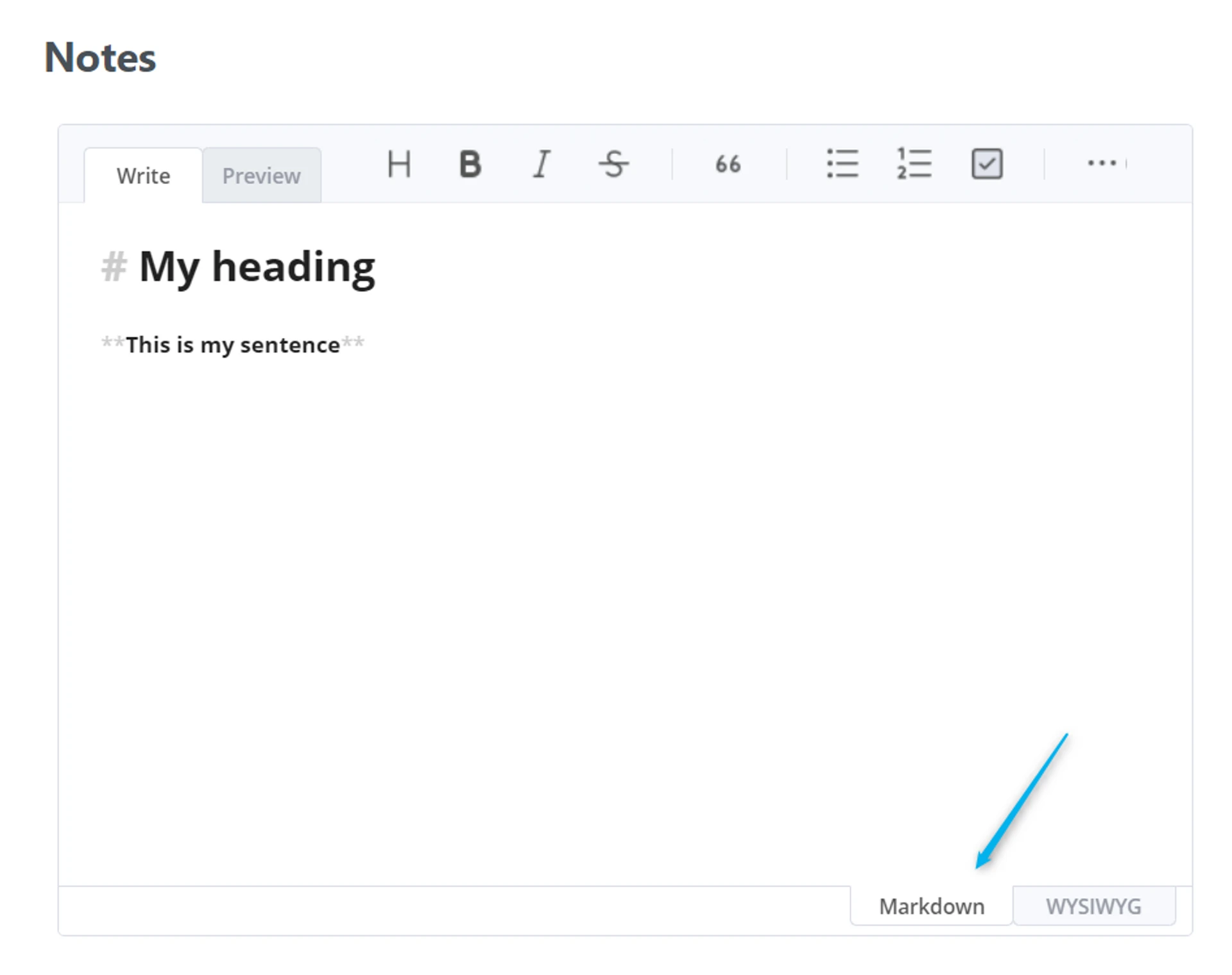
- Your Long Text field will turn into a Markdown Editor. Switch to the Markdown tab to write in Markdown

On2Air Forms allows you to build and share interactive forms, dashboards, and pages to update or create Airtable data instantly.