
Secure, automated backups of your Airtable bases
On2Air Backups creates scheduled backups of your critical business data stored in Airtable and exports your data and attachments to Google Drive, Dropbox, or Box.
Trusted by leading companies







Sara Ramaker
LKF Marketing
"Having automated backups has freed up 4 hours of my time every other week. And the fear of losing anything! To me, On2Air and Airtable are the same thing, and On2Air just makes it work."

David Derby
CEO, It's Only Computers
"You’re building the tools we need to take Airtable to the next level. On2Air Backups might be the most critical piece of the puzzle to guard against unforeseeable disaster. It’s easy to set up and it just works. Thank you!"
Automated Backups of Your Airtable Bases
Ensure you always have backups of the vital company data you have stored in Airtable. Save any or all fields, views, and include or exclude attachments.
Start Free Trial ->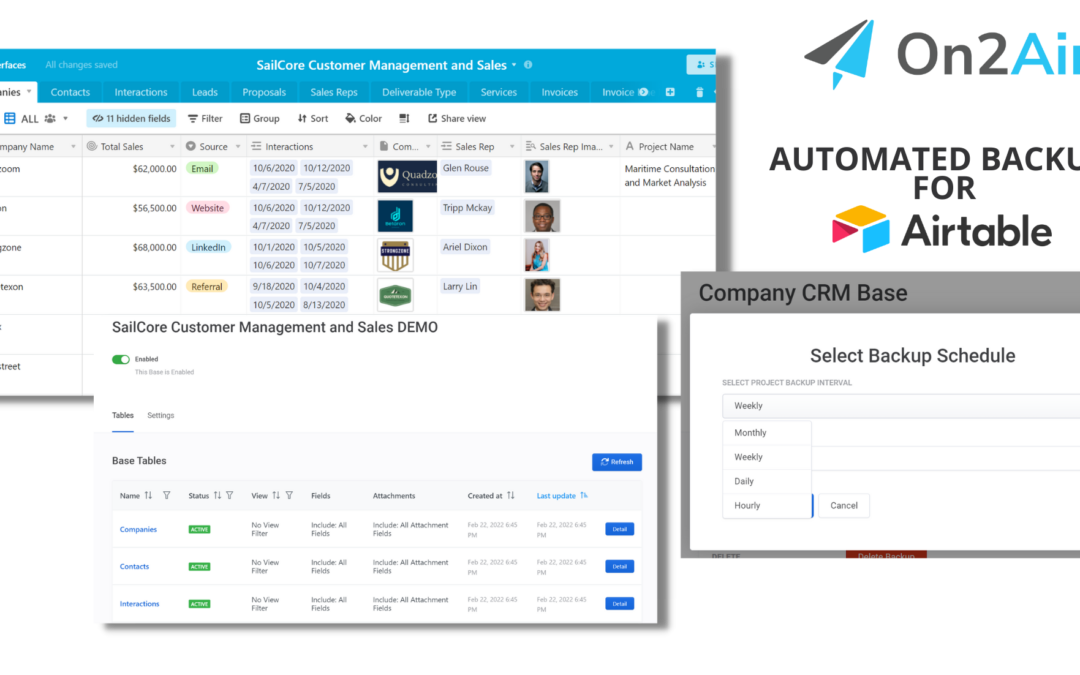
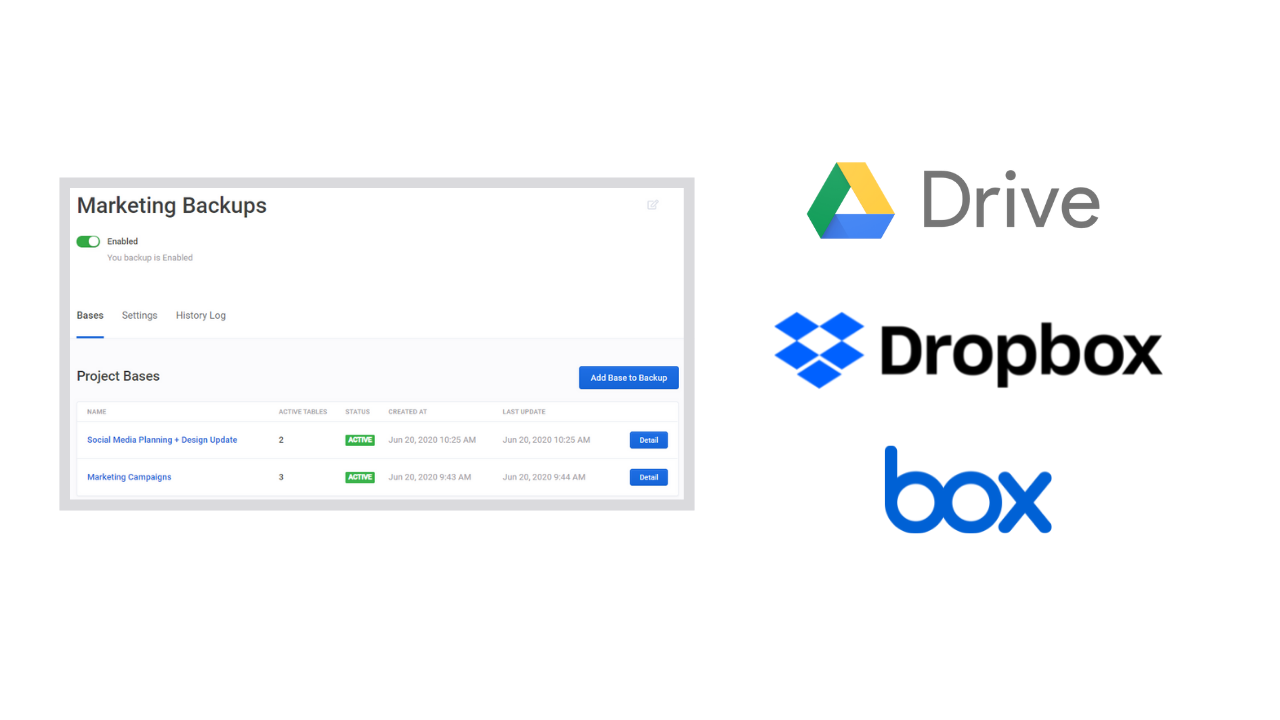
Integration with Google Drive, Dropbox, and Box
Send a backup of your Airtable bases directly to your Dropbox, Google Drive, or Box storage solution. Exports as a CSV file and saves all your documents, images, and other attachments directly to your cloud storage. Your data is always accessible when and where you need it.
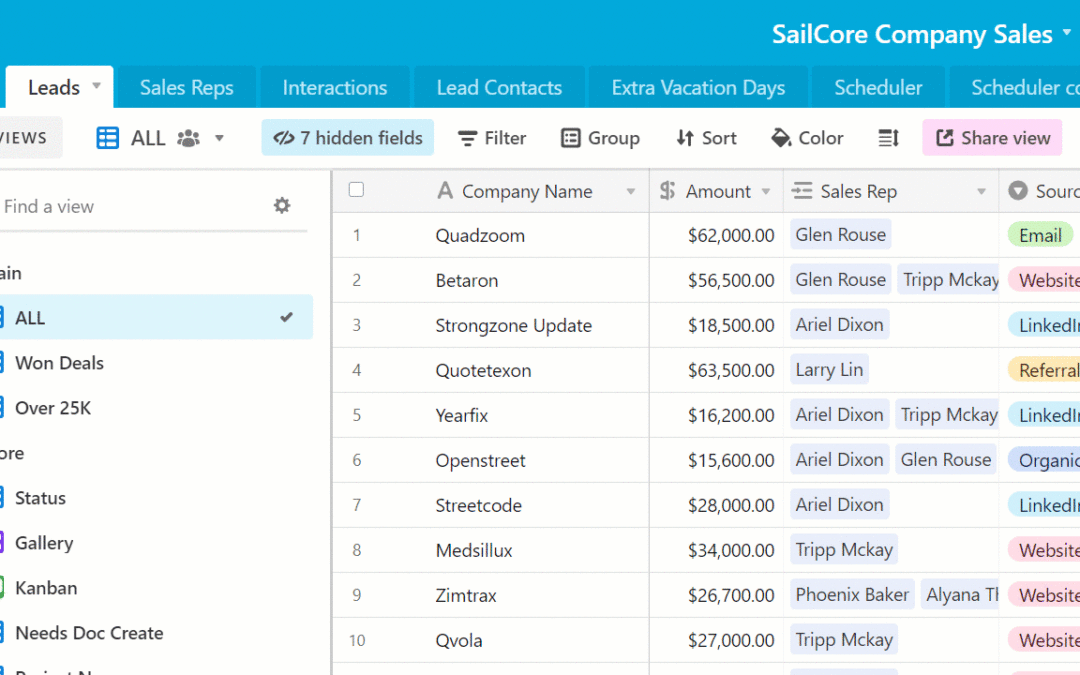
Flexible Backup Scheduling Options
Backup your Airtable base or bases as often or as little as you need. Choose from Hourly, Daily, Weekly, or Monthly backups. You can even include or exclude weekends.
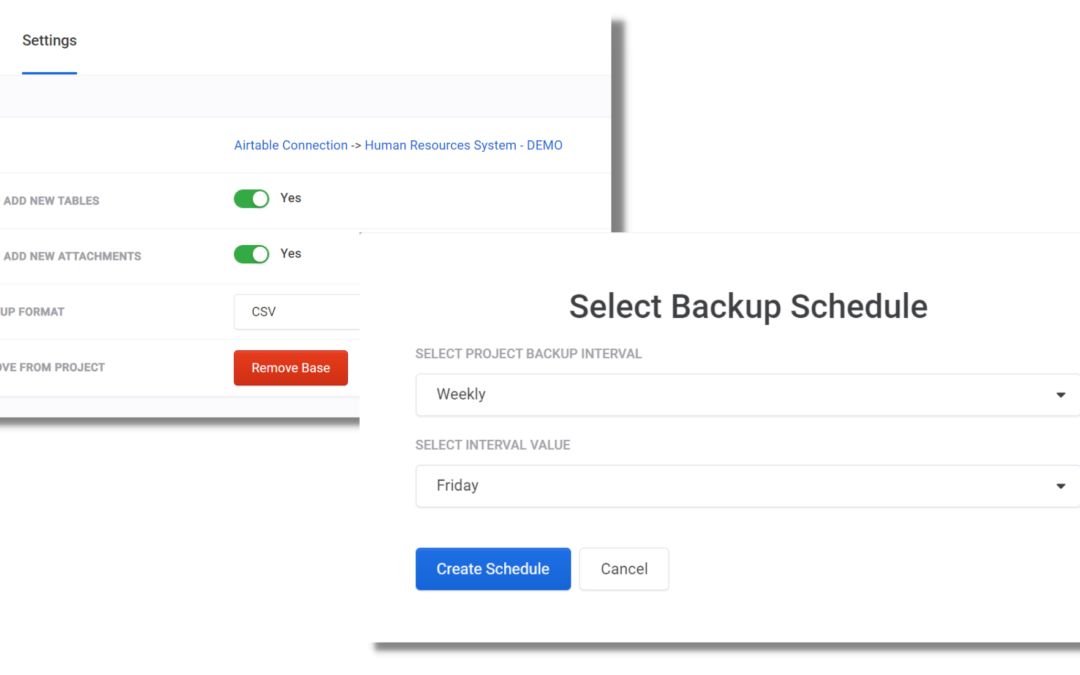
Backup the Base Layout – Schema and Meta-Data
We backup Airtable base meta-data, including Field types, Field options, field IDs, Actual Formulas, Views, and more.
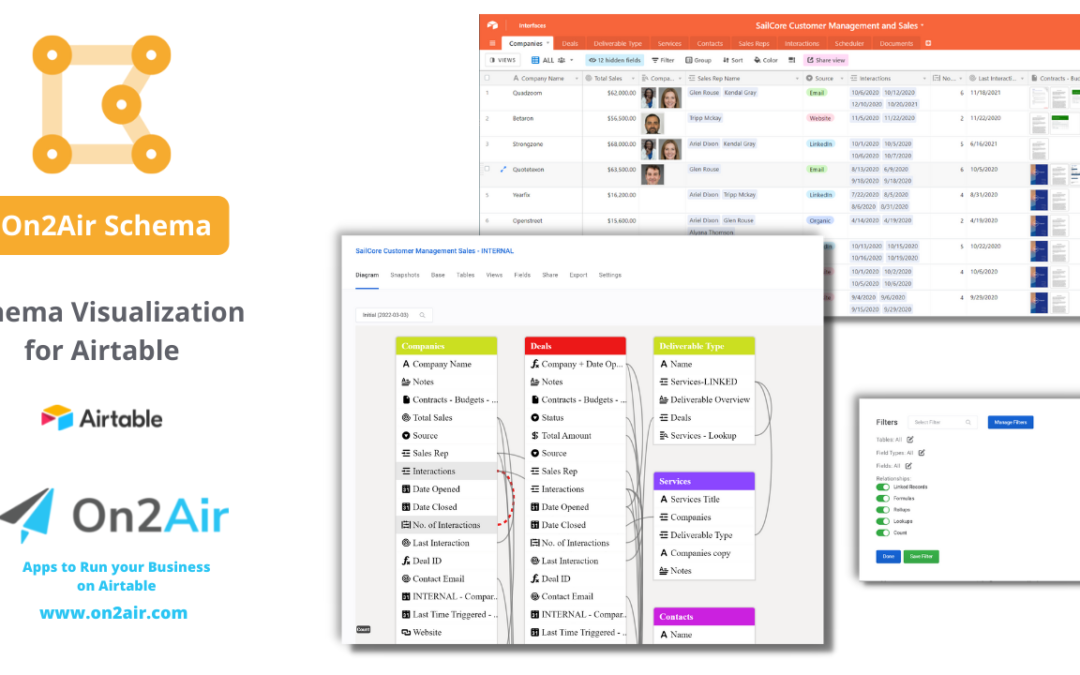

See How LKF Marketing Creates a Backup of Their Airtable Bases with On2Air Backups and Ensures Their Clients' Data is Safe
Read Their StoryPremium Customer Service and Support
Real people ready to help you. We're Airtable experts and we're here to help. We've been building Airtable apps and Airtable business systems for years.
Chat with Sales or SupportUse Cases
Real Estate
Ensure you always have a backup of your commercial and residential properties and listings

Marketing Agencies
Make sure all the content you've created for clients is safe and secure

Systems Consulting
Clients trust you to design their systems and processes. Keep their vital business processes secure with a backup of their data.

Professional Services
Your expertise for your clients has been developed over time. Keep your processes, guides, and IP safe with an automated backup.

Venture Capital
Save backups of your processes, strategies, and investments

Manufacturing
Backup all your spec sheets, diagrams, and parts lists

Ecommerce
Make sure all the content you've created for clients is safe and secure

Your Business Data
Your entire business data is stored in Airtable. Make sure it stays with you for the long-term with an automated backup.

On2Air Backups Pricing
Monthly or Annual Plans Available - Save 20% on Annual Plans
Basic
FREE TRIAL
- 1 Time Backup:
- 1 Airtable base
- 10 Tables
- 100 Records per Table
- 25 Attachments
- Restore 1 Airtable Base
- Send to Google Drive, OneDrive, Dropbox, Box
- Connects directly to your Airtable bases
- Excellent and Friendly Customer Support
- Easy-to-use interface
- Two-Factor Authentication (2FA) for security
- Free Airtable Community with Other Users
Starter
Get 2 months free
- 1 Airtable Base
- 50,000 Records
- 2,500 Attachments
- Restore 1 Airtable Base Per Month
- Monthly Schedule
- Send to Google Drive, OneDrive, Dropbox, Box
- Connects directly to your Airtable bases
- Unlimited On2Air User Accounts
- Excellent and Friendly Customer Support
- Easy-to-use interface
- Two-Factor Authentication (2FA) for security
- Free Airtable Community with Other Users
Essentials
Get 2 months free
- 15 Airtable Bases Data Backups
- 15 Airtable Bases Meta-Data Schema Backups
- 250,000 Records
- 25,000 Attachments
- Restore 1 Airtable Base Per Month
- 5 Backup Projects (Projects contain Airtable bases)
- Monthly or Weekly Schedule
- Send to Google Drive, OneDrive, Dropbox, Box
- Connects directly to your Airtable bases
- Unlimited On2Air User Accounts
- Excellent and Friendly Customer Support
- Easy-to-use interface
- Two-Factor Authentication (2FA) for security
- Free Airtable Community with Other Users
Professional
Get 2 months free
- 50 Airtable Bases Data Backups
- 50 Airtable Bases Meta-Data Schema Backups
- 1 Million Records
- 500,000 Attachments
- Restore 5 Airtable Bases Per Month
- 15 Backup Projects (Projects contain Airtable bases)
- Monthly, Weekly, or Daily Schedule
- Send to Google Drive, OneDrive, Dropbox, Box
- Connects directly to your Airtable bases
- Unlimited On2Air User Accounts
- Excellent and Friendly Customer Support
- Easy-to-use interface
- Two-Factor Authentication (2FA) for security
- Free Airtable Community with Other Users
Premium
Get 2 months free
- 250 Airtable Bases Data Backups
- 250 Airtable Bases Meta-Data Schema Backups
- 5 Million Records
- 1 Million Attachments
- Restore 10 Airtable Bases Per Month
- 250 Backup Projects (Projects contain Airtable bases)
- Monthly, Weekly, Daily, or Hourly Schedule
- Send to Google Drive, OneDrive, Dropbox, Box
- Connects directly to your Airtable bases
- Unlimited On2Air User Accounts
- Excellent and Friendly Customer Support
- Easy-to-use interface
- Two-Factor Authentication (2FA) for security
- Free Airtable Community with Other Users
Have more than 250 Airtable bases?
We can do that! Please send us a message for specific pricing - Contact Us
Have more than 250 Airtable bases?
We can do that! Please send us a message for specific pricing.
Contact UsTrusted by teams at



Premium Customer Service and Support
Real people ready to help you. We're Airtable experts and we're here to help. We've been building Airtable apps and Airtable business systems for years.
Chat with Sales or SupportExpert assistance for your Airtable workflows
Airtable and On2Air Tutorials
Learn how to protect your data and optimize your Airtable workflows with our expert guides.
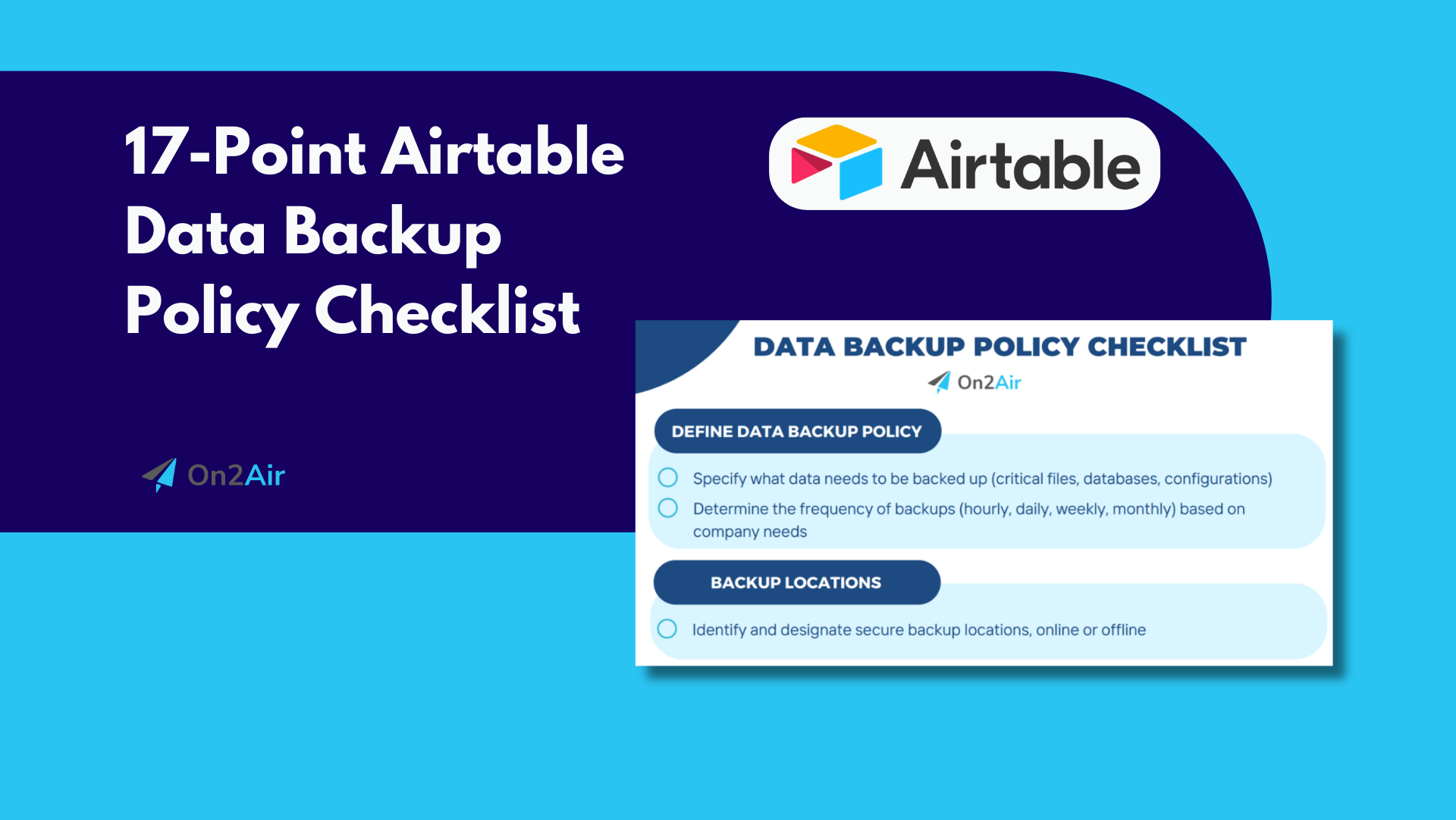
17-Point Airtable Data Backup Checklist ✅
A Data Backup Policy is a crucial component of data management. Use this checklist to ensure you're prepared.
Read Tutorial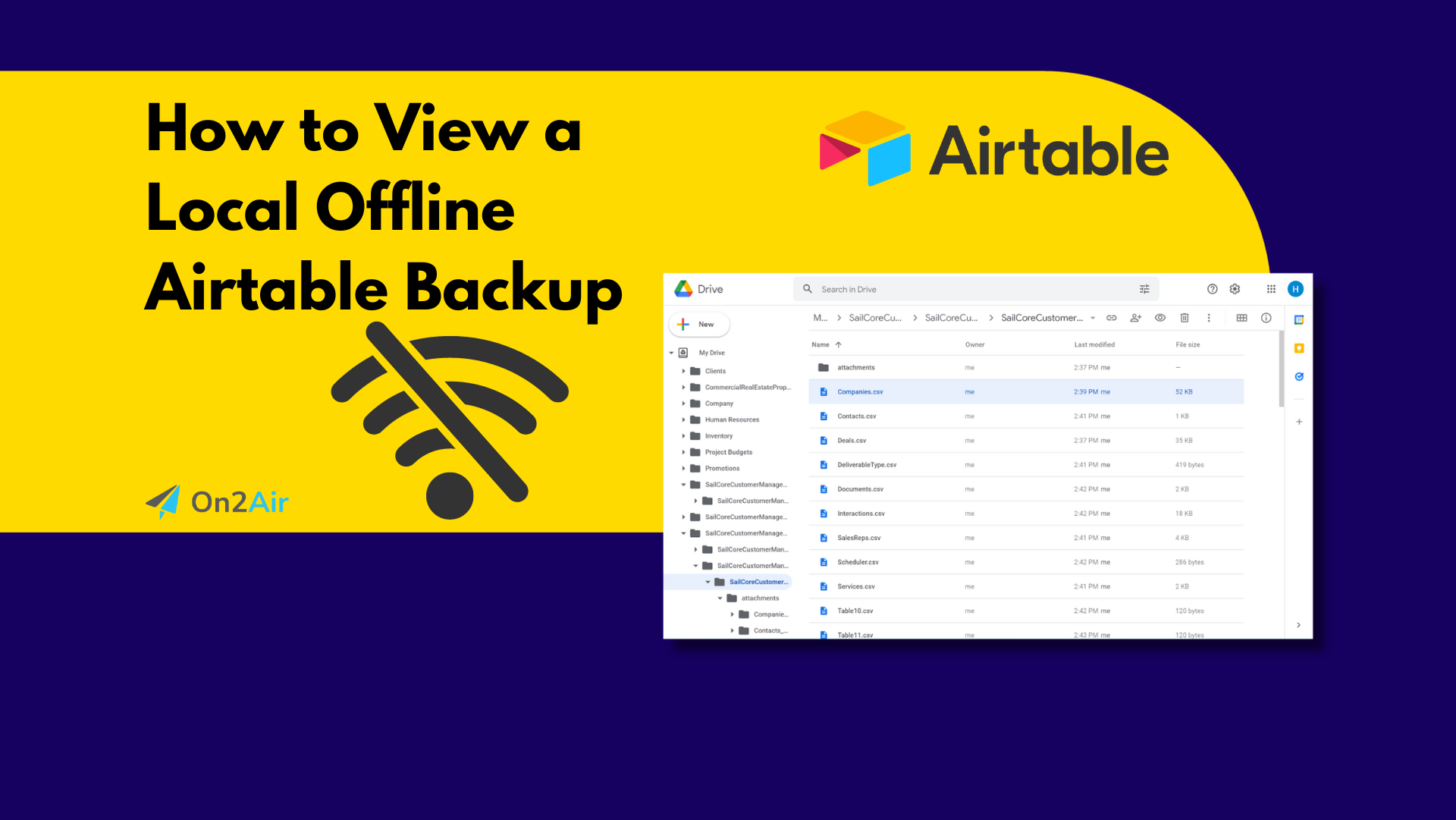
How to Create a Local Offline Airtable Backup
Learn how to create an Airtable backup to quickly view data locally and offline.
Read Tutorial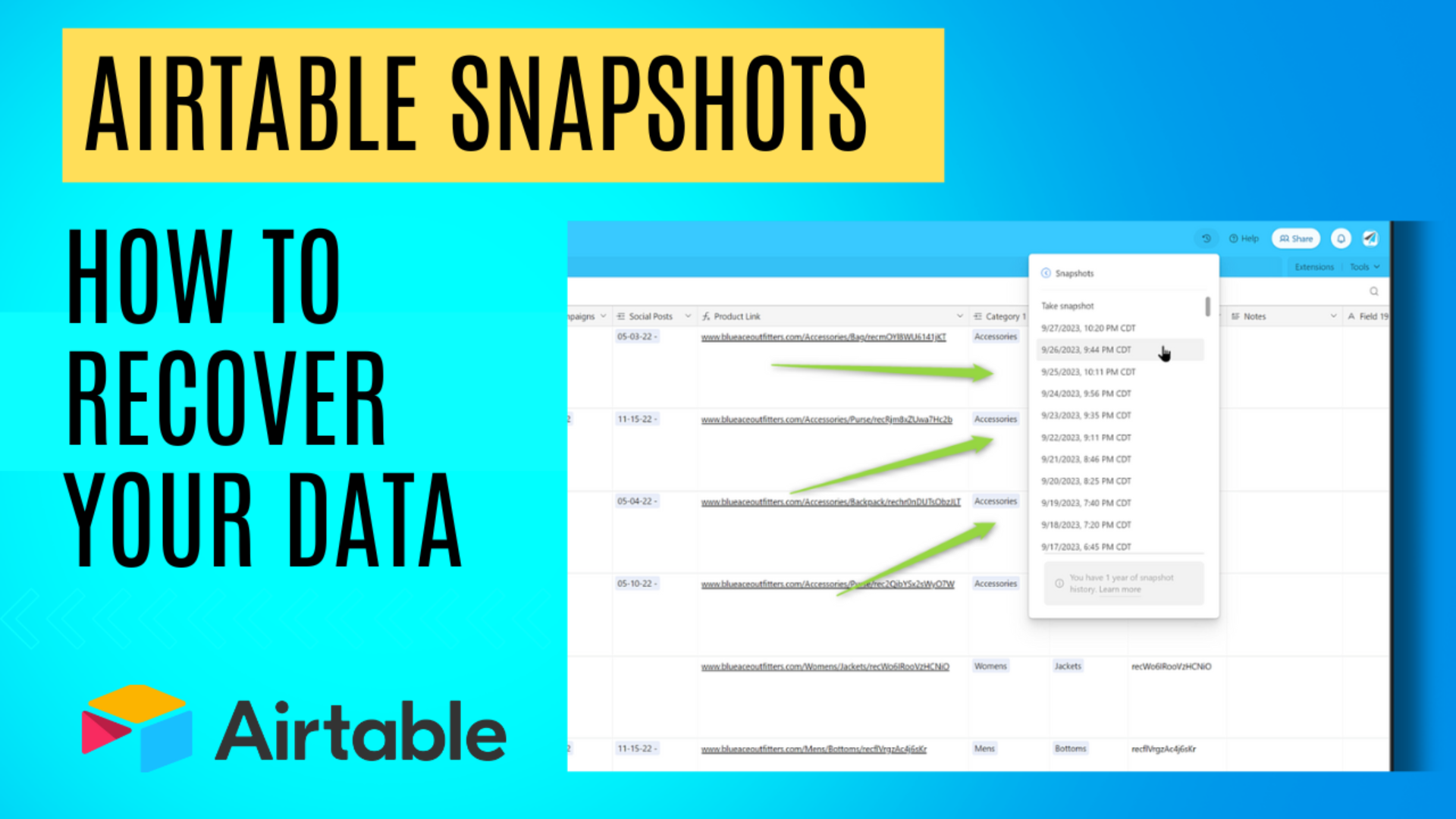
Airtable Snapshots – Everything You Need to Know
Learn what Airtable snapshots are, when to use them, and how to use them to recover your data.
Read Tutorial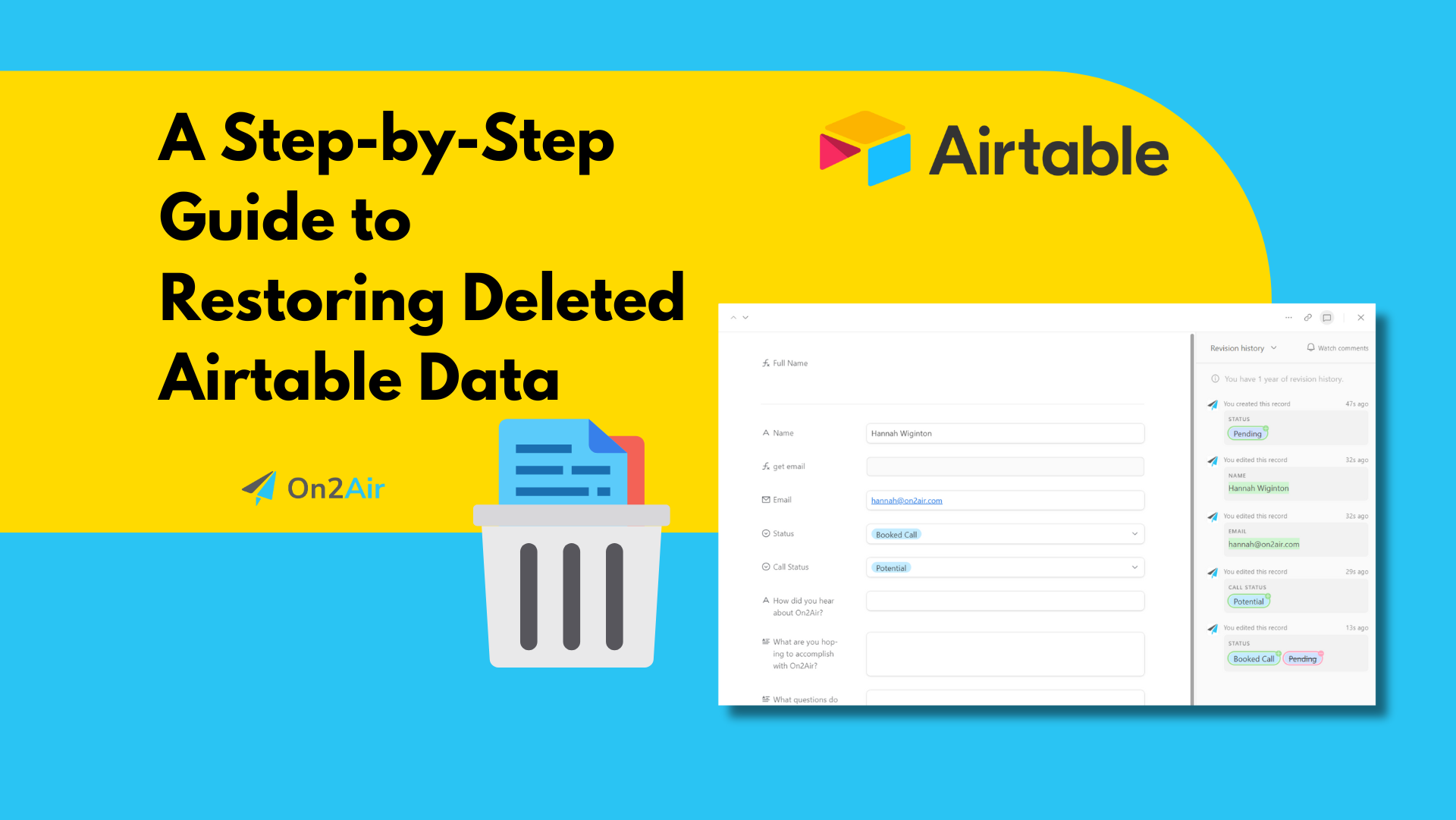
A 7-Step Guide to Restoring Deleted Airtable Data
Data loss in Airtable can be devastating. Follow this 7-step guide to restore your information.
Read Tutorial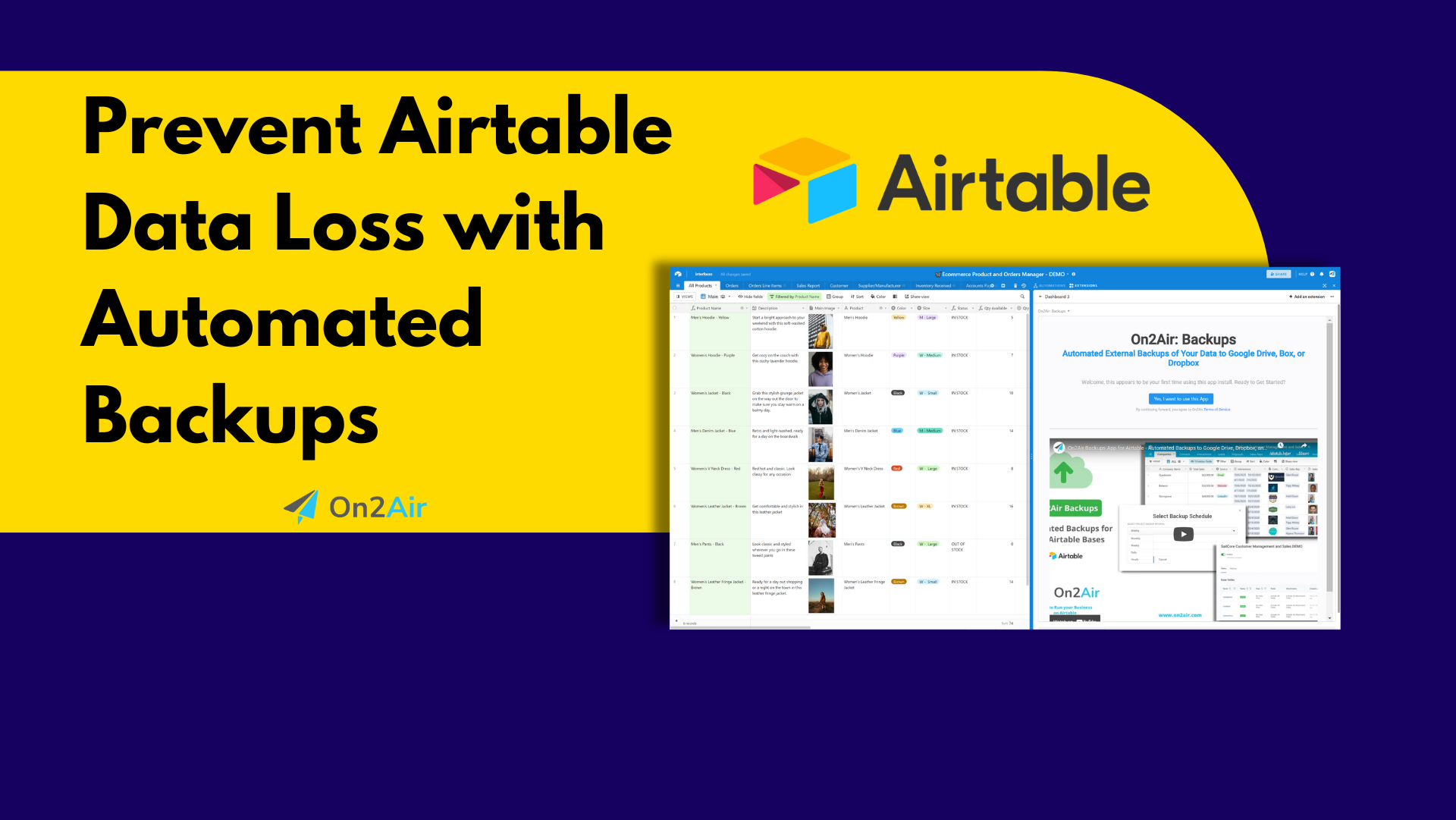
Prevent Airtable Data Loss with Automated Backups
Don't wait for disaster to strike. Learn how to schedule automatic backups for your Airtable data.
Read Tutorial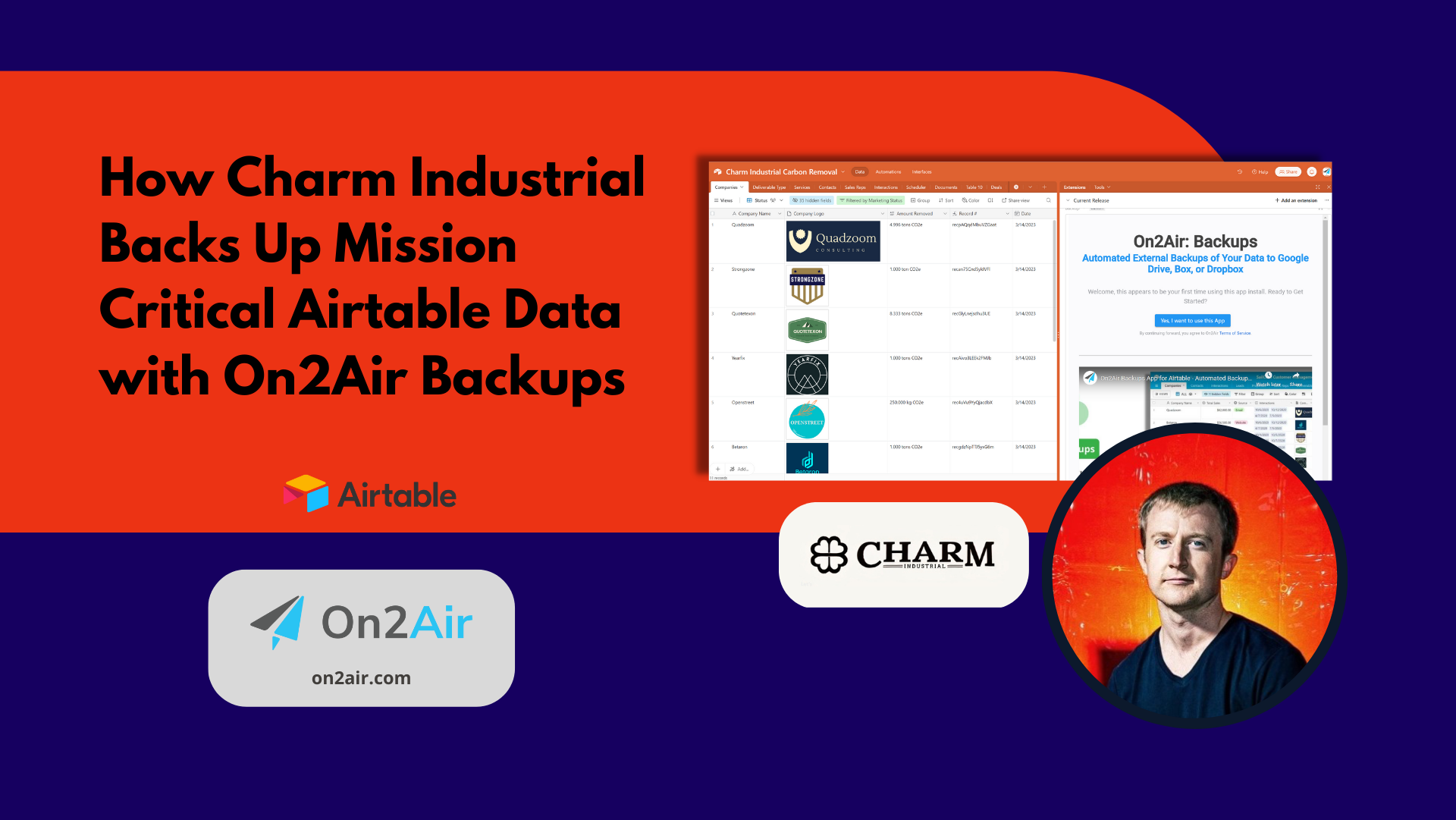
How Charm Industrial Backs Up Mission Critical Data
Learn how carbon removal company Charm Industrial uses On2Air to protect their mission-critical data.
Read TutorialProtect your data
Join thousands of businesses who trust On2Air to keep their Airtable data safe, secure, and always accessible.
No credit card required. Cancel anytime.
Integrates with your favorite tools




Features
Never worry again about files being lost or data deleted. Save and archive your most important business data for future reference and peace of mind.
Export Data in a Universal Format
Your Airtable data is exported as a CSV file for ultimate flexibility and portability. Your attachments are saved in the same format as they are in Airtable.
Backup History
View a complete history of each backup date and backup location. Know when your backup processed so you can see your most recent versions.
Save Outside Airtable
No matter what software tool you use, your data is yours. Keep your own data version outside of Airtable.
Save in Google Drive, Dropbox, or Box
Integrate with a file management system you already use. Your data is saved in your cloud storage of choice – Google Drive, Dropbox, or Box.
Use Revision History to Track Changes
Use your cloud storage revision history to see specific changes to your files each time a backup is created.
Flexible Backup Options
Create backups based on entire bases or filter by a specific table, view, and field. Select one or more fields and decide whether to include or exclude them in your backup.
Selective Attachments
Choose to include all attachments or select and backup only your most relevant and valuable attachment fields.
Automatic Updates
Keep your backups up-to-date automatically. Decide whether to automatically add newly created tables and new attachments to your backups.
Latest Resources
View all articles ->


Frequently Asked Questions
On2Air: Backups is an automated backup solution for your Airtable bases. Create scheduled backups of your critical business data stored in Airtable, and export your information to Dropbox, Box, or Google Drive.
A Backup is a copy of your data contained in your Airtable bases, tables, views, or attachments exported in a CSV or JSON format into your chosen storage platform.
Read the Getting Started with On2Air Backups Guide to create your first backup.
Choose the plan that works for you. Whether you need a single backup or multiple backups, we have pricing plans to fit your requirements.
On2Air Backups is a service to provide you an additional backup of your Airtable data in a separate location and format other than Airtable. We send automated backups to your storage drive in CSV or JSON format, so you always have your data with you, no matter what happens.
You can export your data to Google Drive, Dropbox, or Box.
We have options to backup your bases hourly, daily, weekly, or monthly, depending on the plan you choose.
We have several options available depending on how many bases you need to backup and how often. Essentials is $29.99/month, Professional is $49.99/month, and Premium is $79.99/month. We also have a Starter Plan for $9.99/month.
In order to use this product, we need to connect to your Airtable data which requires entering your API key into our connector.
Still have questions?
Contact Our Support Team