
New Feature: Create Files in Google Docs with Your Airtable Data!
With Functions in our Actions app, you can now create new or templated files in Google Docs, Google Slides, and Google Sheets using your Airtable data!!
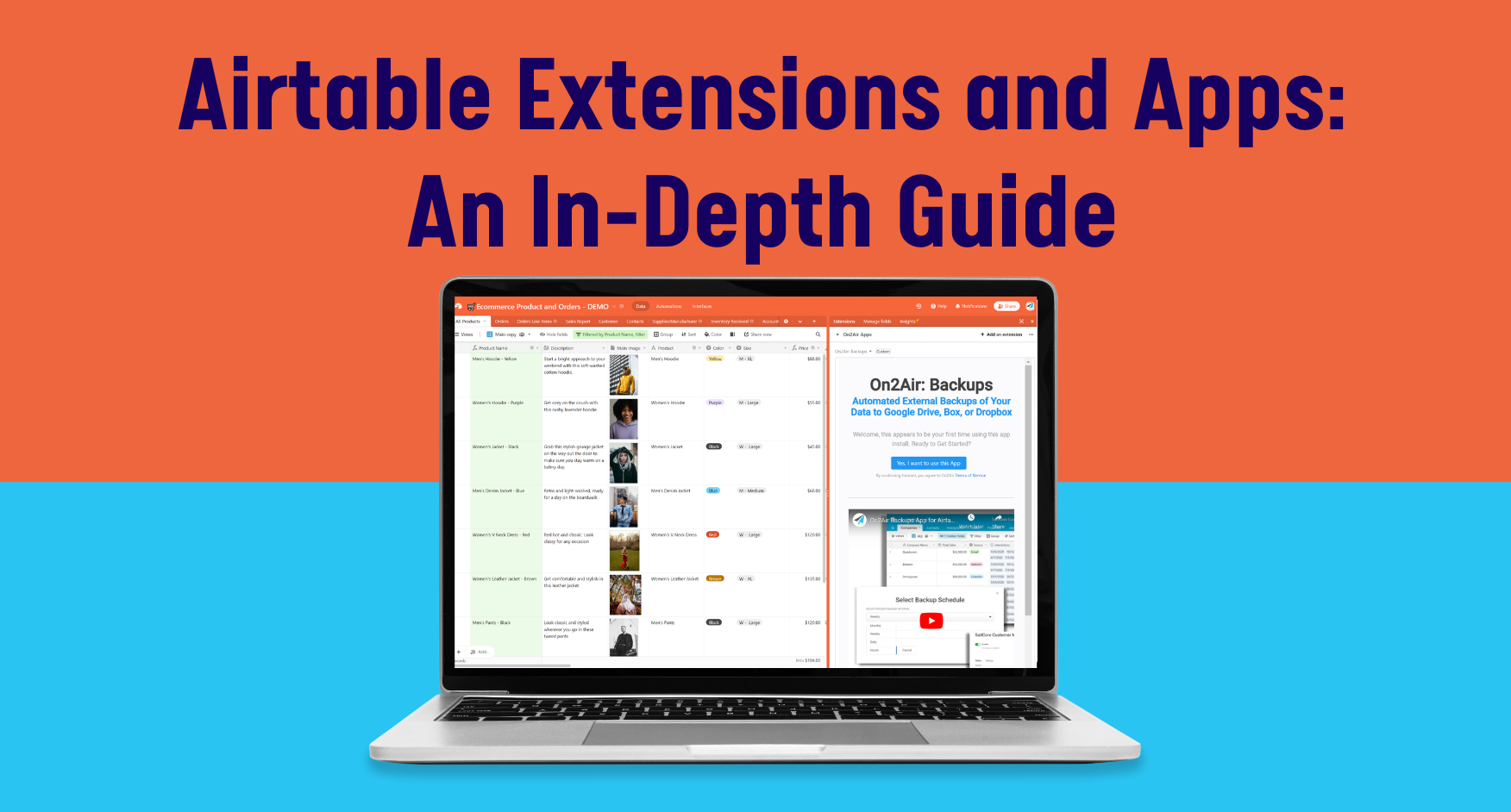
At On2Air, we’re focused on ensuring companies protect their data with our premium Airtable backups app, On2Air Backups.
Because of this, the On2Air app used in this tutorial has been shut down. We recommend Documint or DocsAutomator for Airtable documents.
Here’s the big Google/On2Air/Airtable update you’ve been waiting for!
You can now use On2Air Docs for Airtable to automatically create documents in Google Docs, Google Slides, or Google Sheets using your Airtable data!

What is On2Air Docs for Airtable?
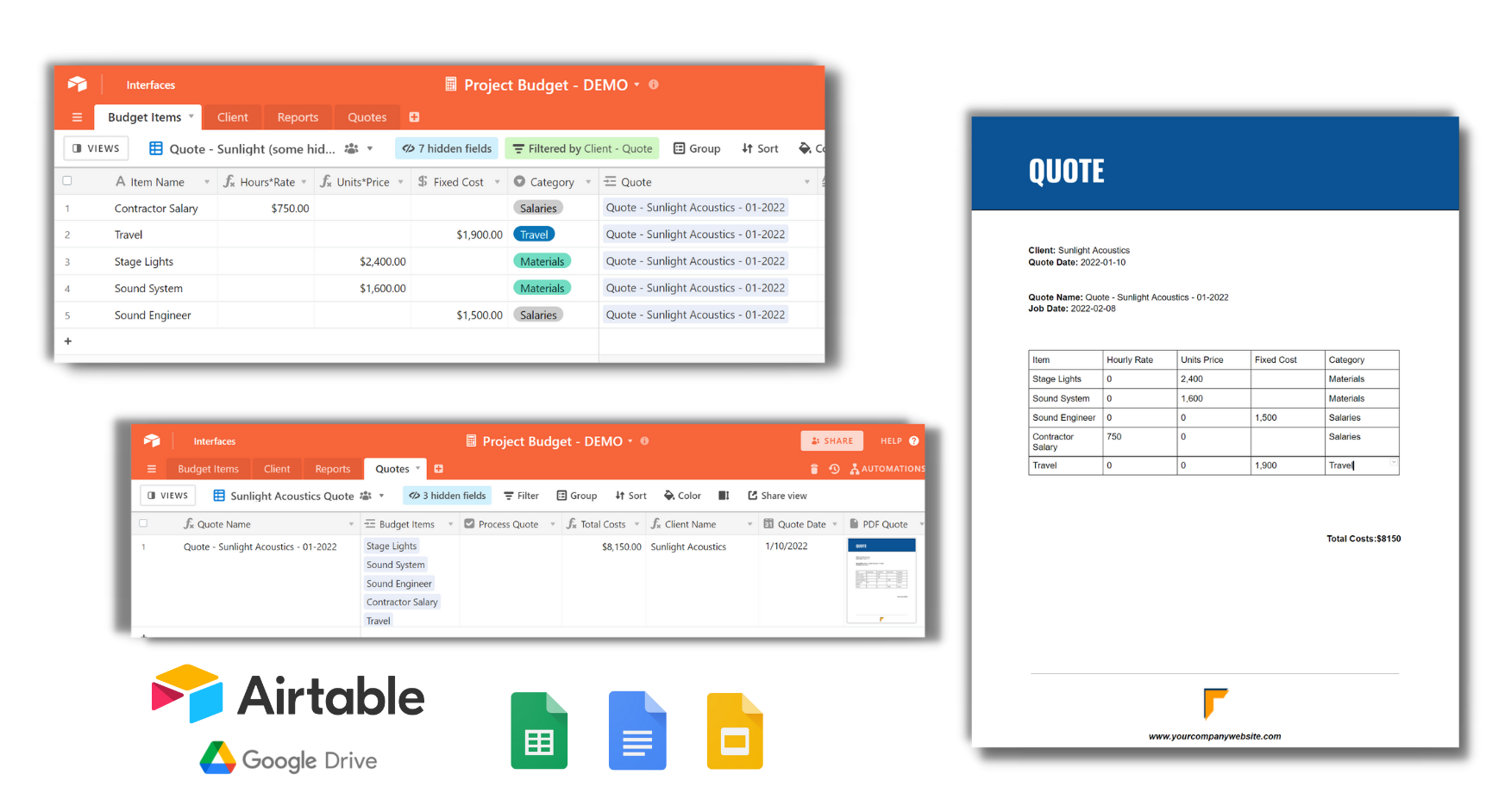
On2Air Docs allows you to automatically create any kind of document from Airtable!
You create the template in Google Docs, Sheets, or Slides, set up the On2Air Docs automation, then click a checkbox in your Airtable base. You now have a document stored as a PDF and URL inside your Airtable base and in your Google Drive.
Documents you might create:
✔ Invoices
✔ Quotes
✔ Form Entries
✔ Contracts
✔ Presentations
✔ Reports
✔ Brochures
✔ And more
Ways to Use On2Air Docs
Generate sales contracts and invoices
Merge bulk letters from your data
Design marketing materials
Ensure company-wide branding assets maintain consistency
Create presentations or slides decks based on templates
Generate documents from form data
Create product info sheets
Create quotes and proposals
Create labels and stickers
Personalize every document created
Features:
- Create new or templated files in Google Docs, Sheets, or Slides with your Airtable data
- Create new folders in Google Drive
- Insert data from your Airtable records directly into any file
- Create dynamic files based on unique values in your records (ex: single-select options)
- Save newly created files all in one folder or in various folder based on unique values
- Save the templated URL or newly created merged file URL in your Airtable base
- Export the file and save in an Attachments field in your base
- Use the basic or shared Google Drive accounts
Airtable Document and On2Air Docs Tutorials
We have multiple tutorials to get you started with On2Air Docs.
Related: How LKF Marketing Creates a Backup of Their Airtable Bases with On2Air Backups and Ensures Their Clients’ Data is Safe
How does On2Air Docs compare to Airtable’s Google Doc Automation step?
You can use the Google Docs automation in Airtable, but you’ll find it may not fit your requirements. On2Air Docs allows you to create both simple or complex documents to ensure your documents are created just how you need.